# Claude for PHP Developers

[Original page](https://codewithphp.com/series/claude-php-developers/)

> Master Anthropic's Claude AI from basics to production—learn prompting, tool use, vision, RAG, Agent Skills, multi-agent systems, and deployment of full-featured AI applications with PHP 8.6+.

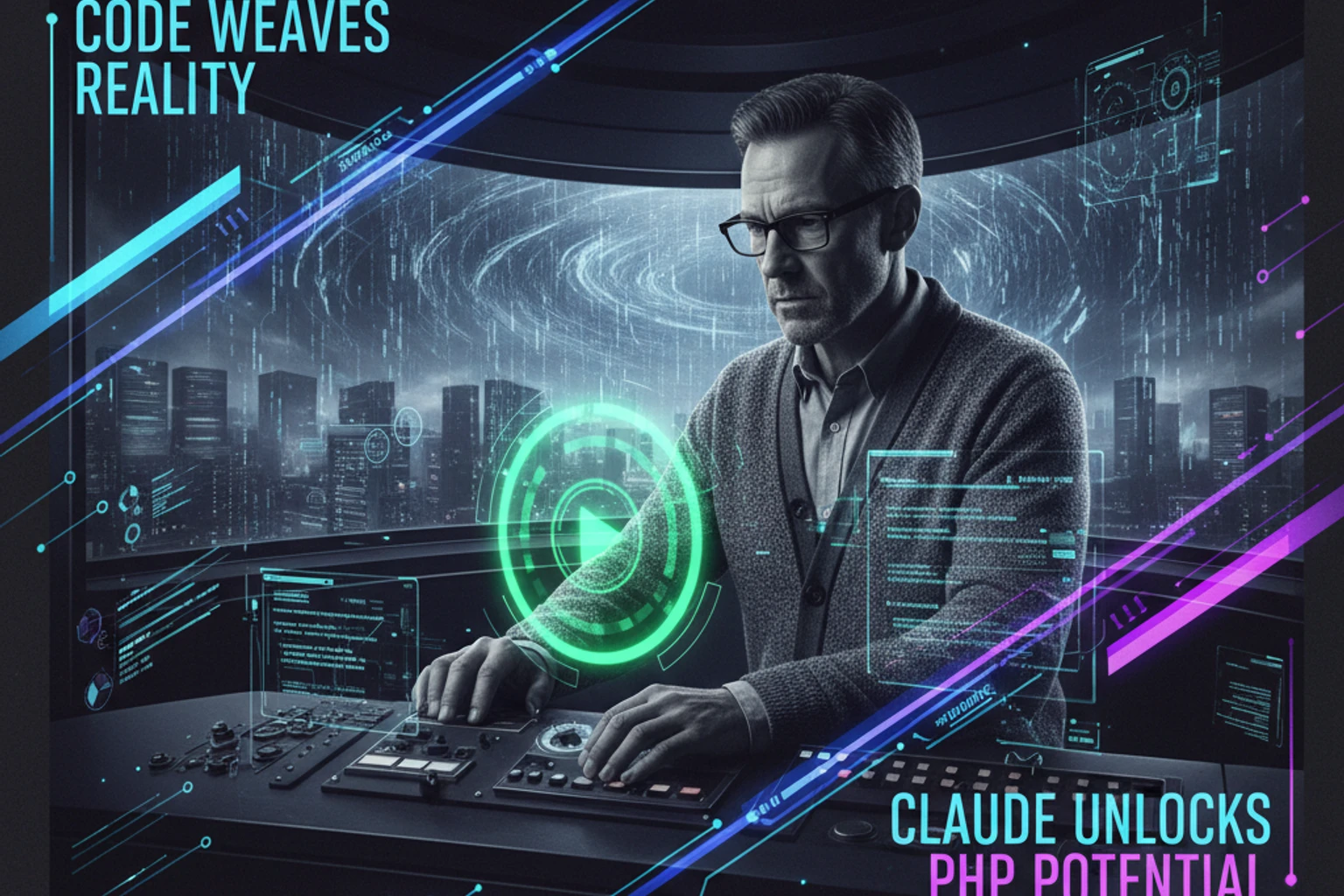
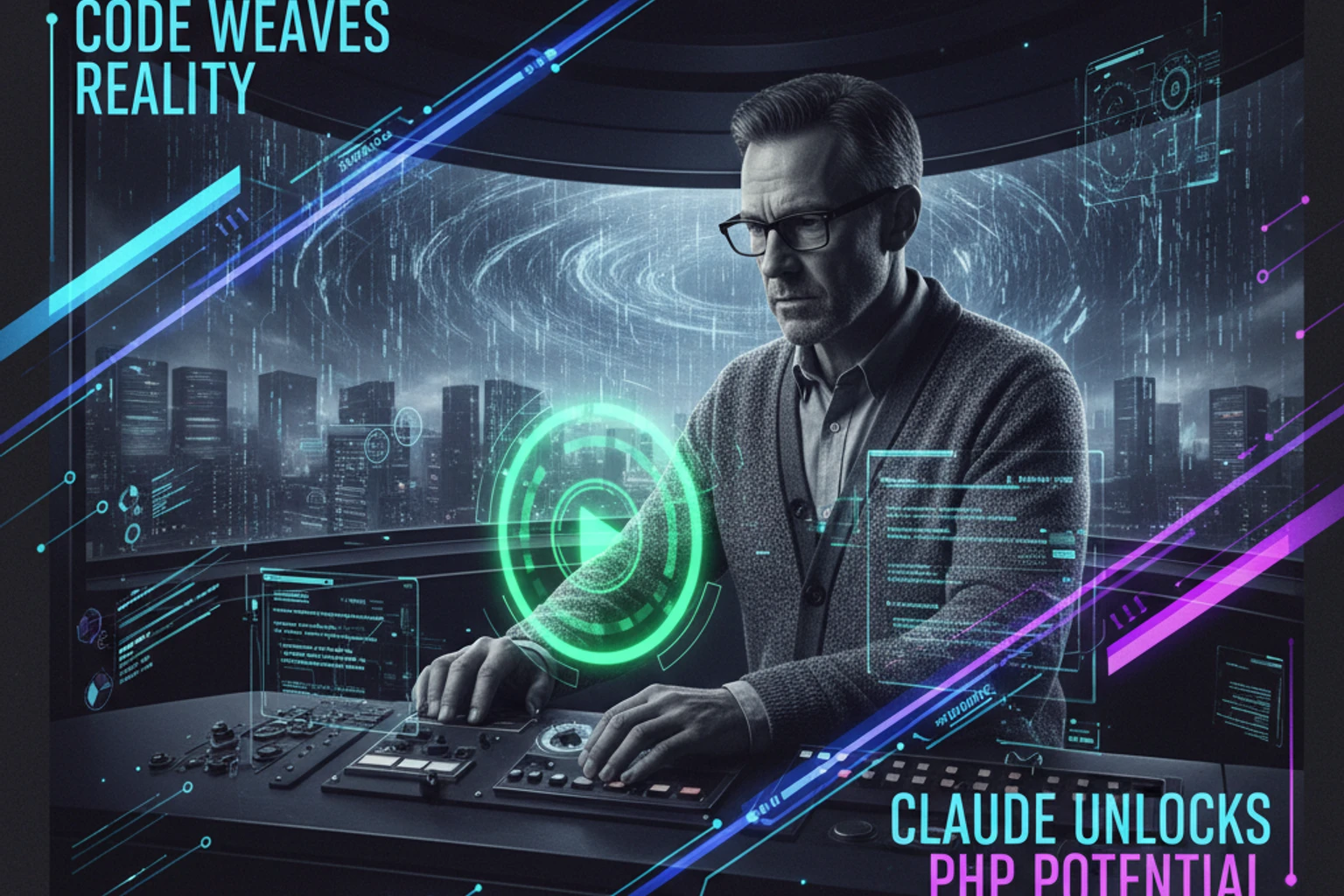
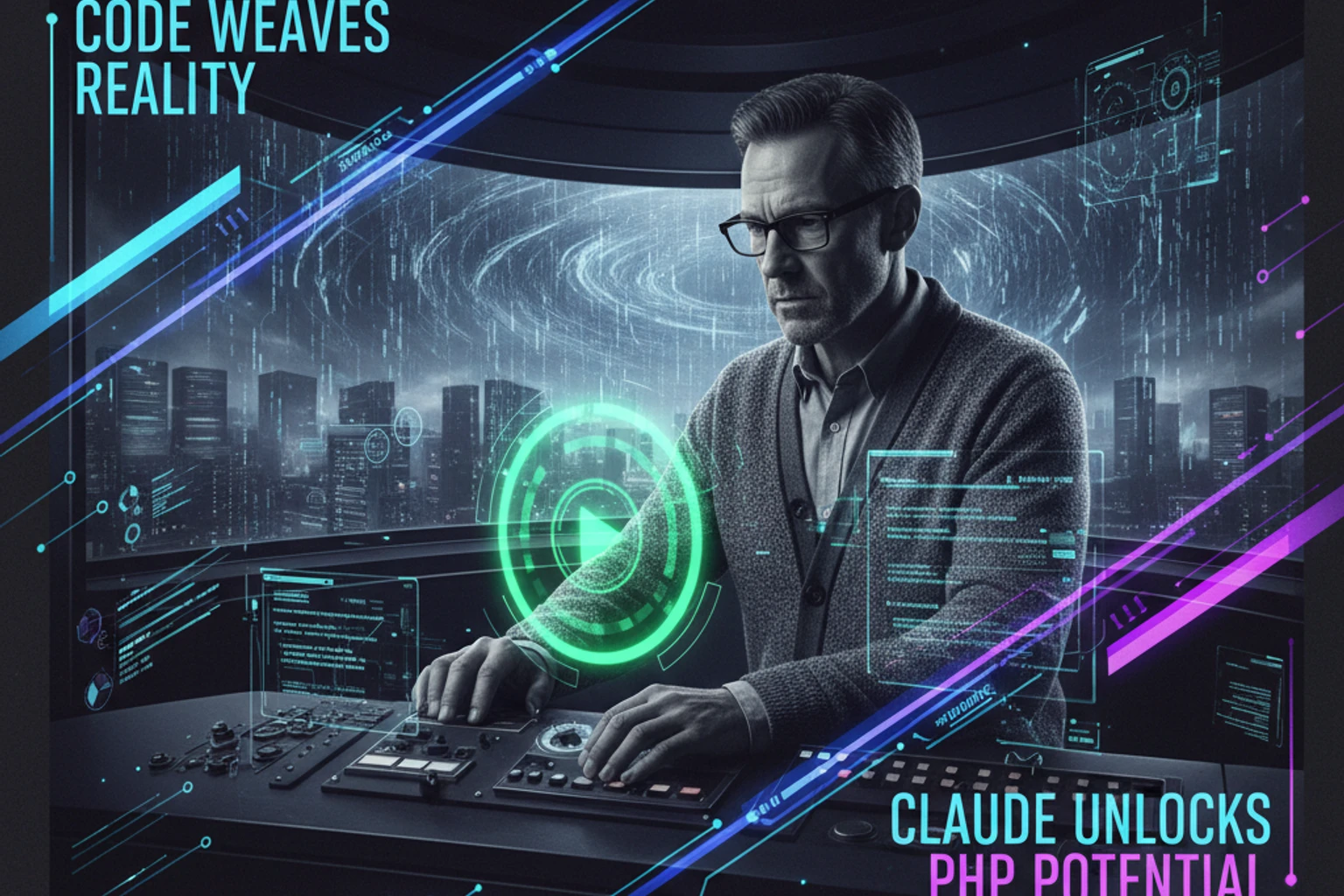
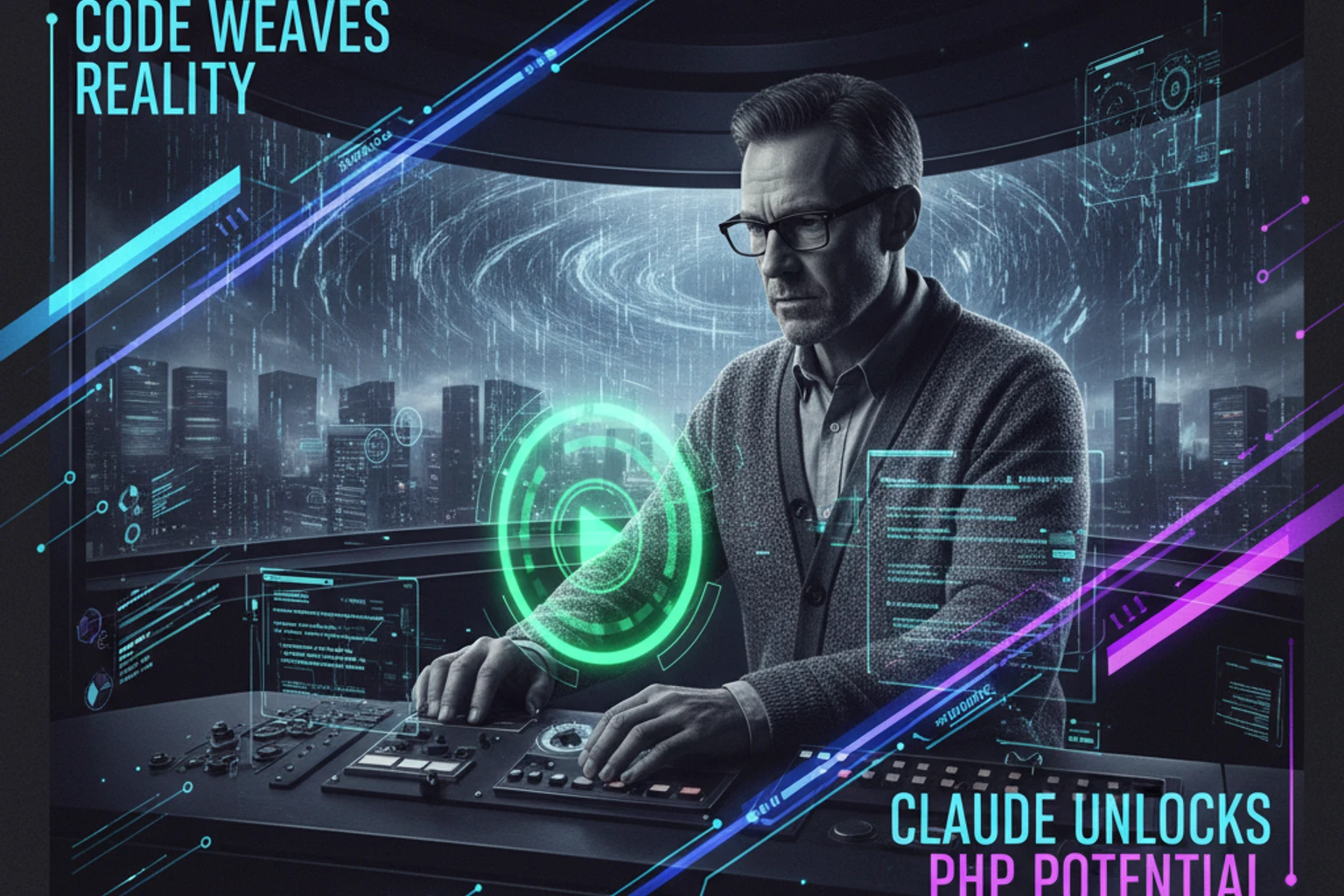
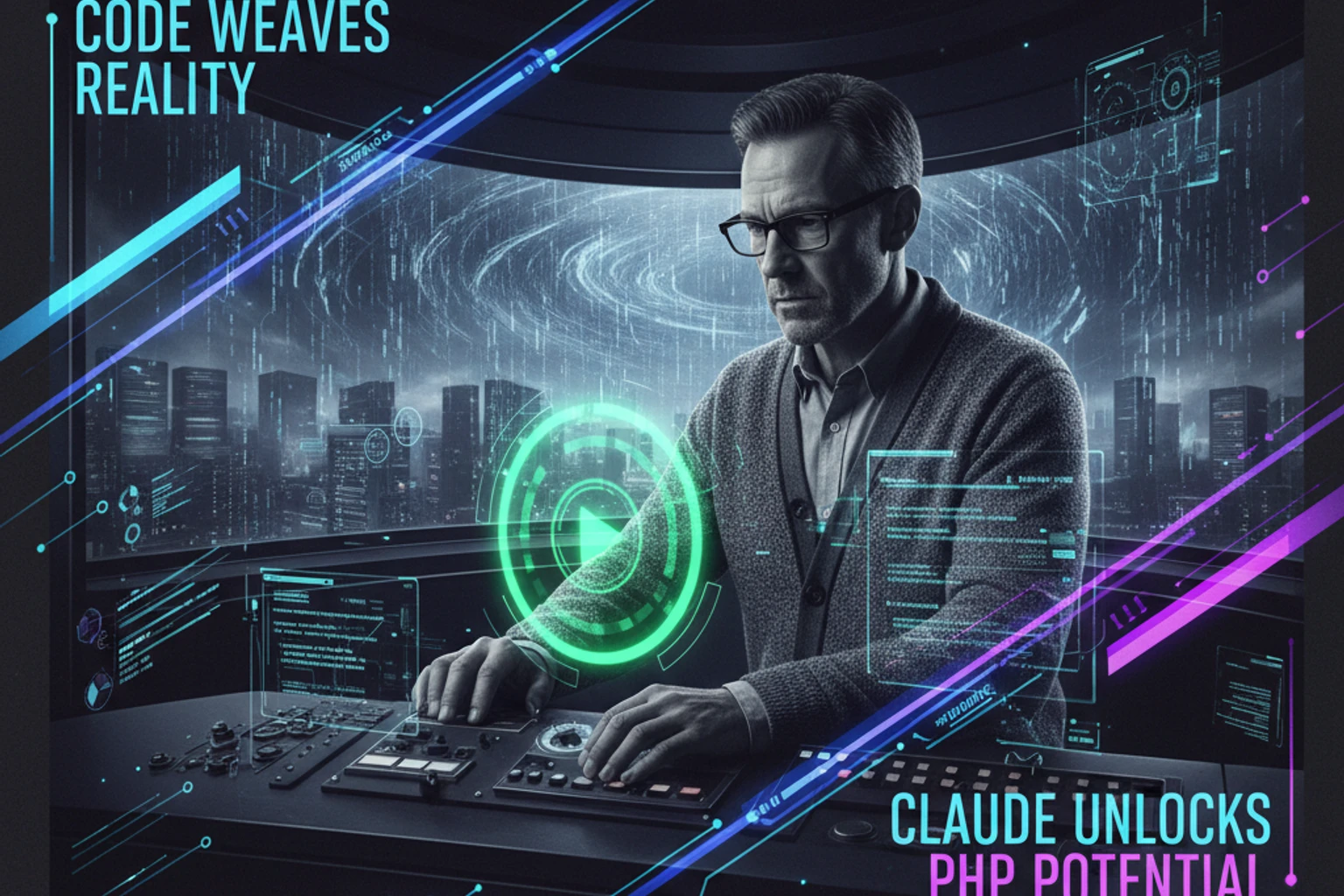
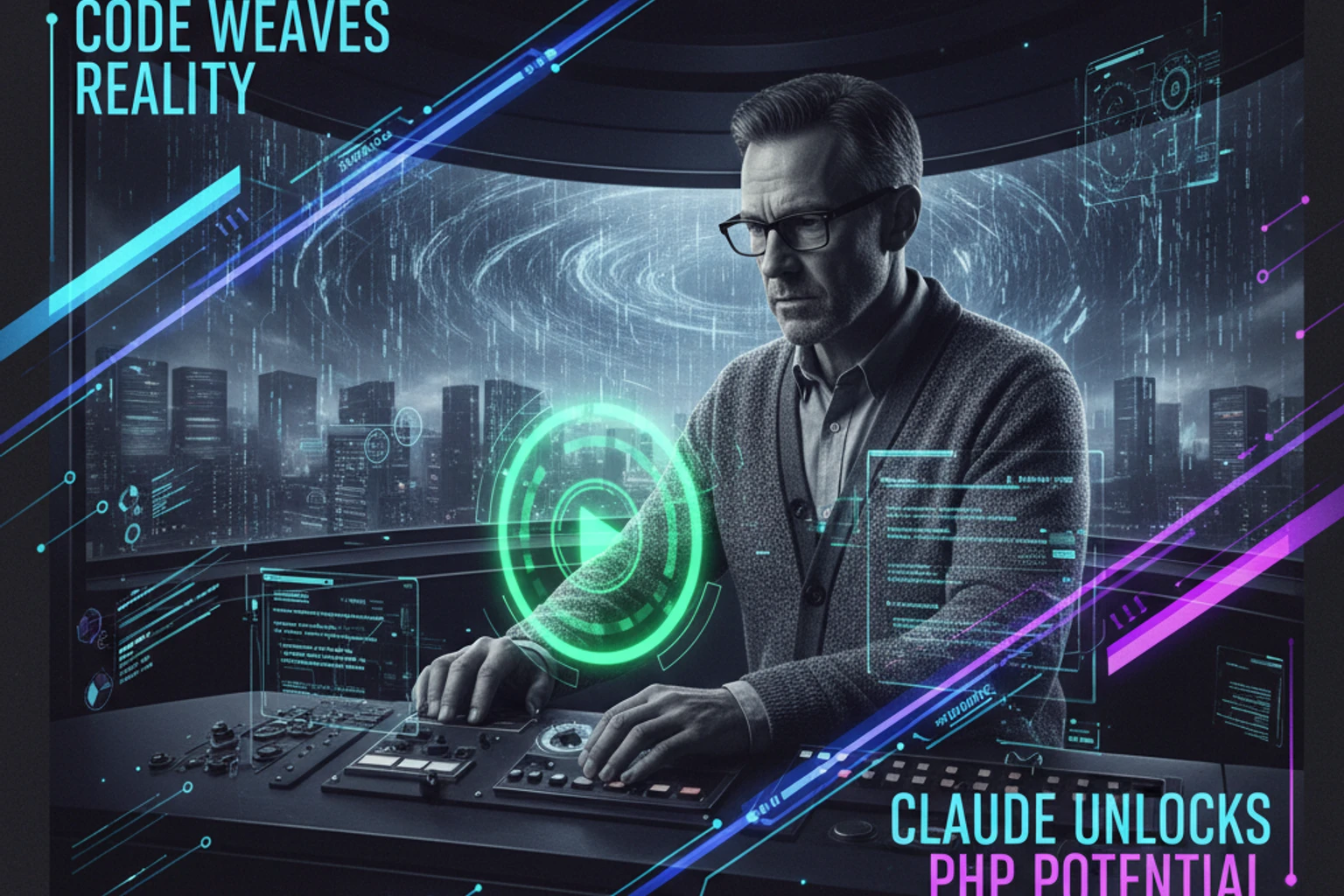
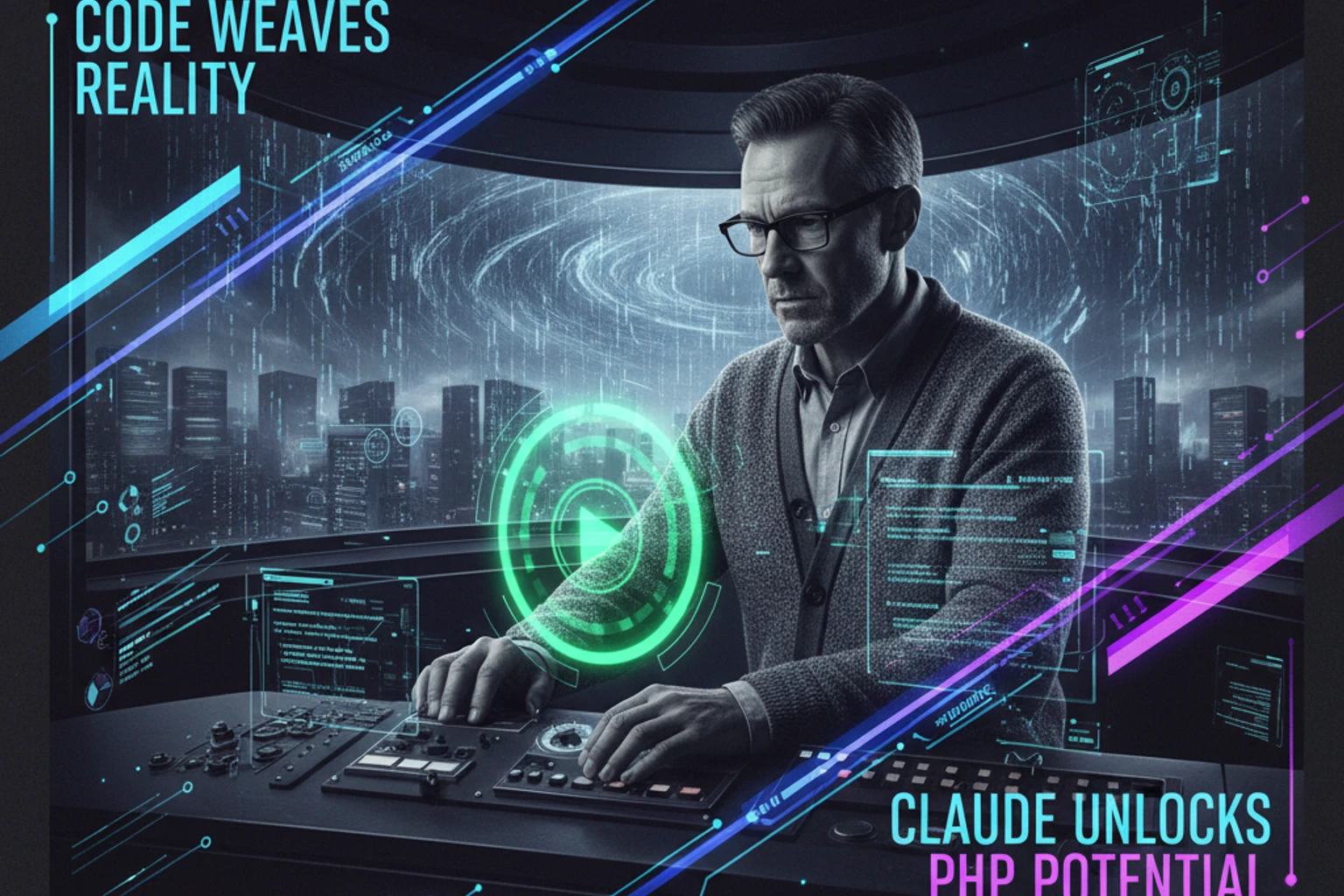
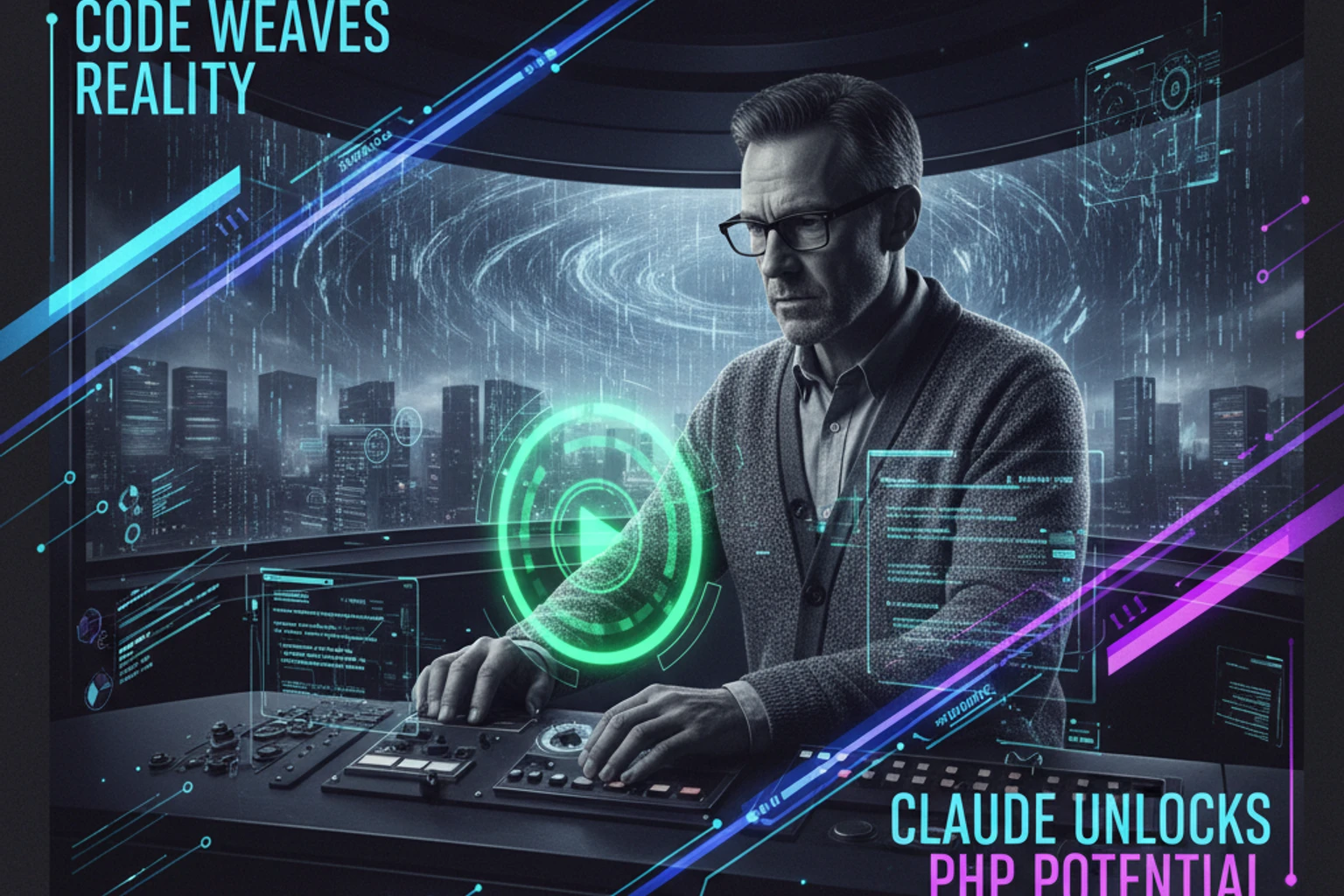
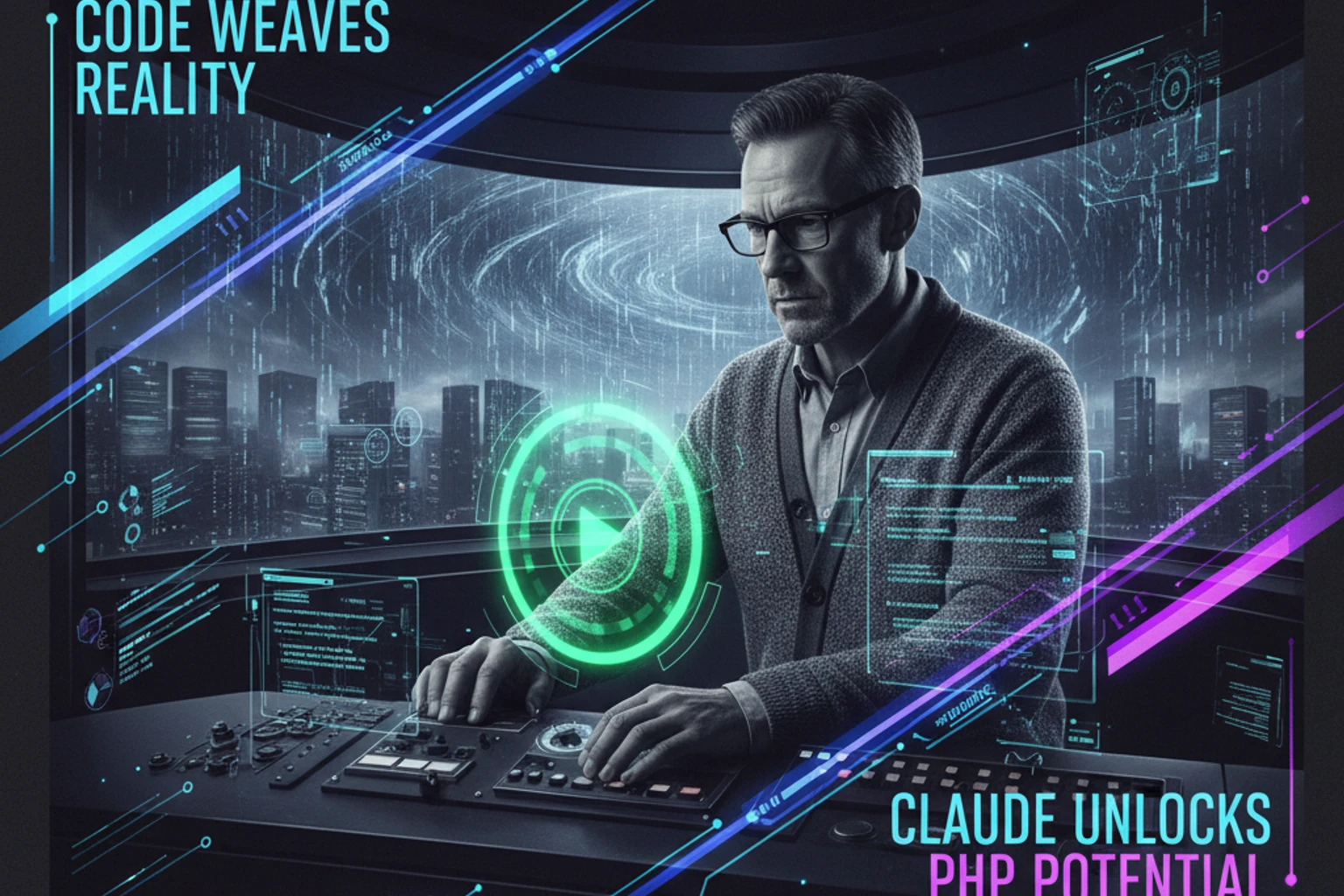
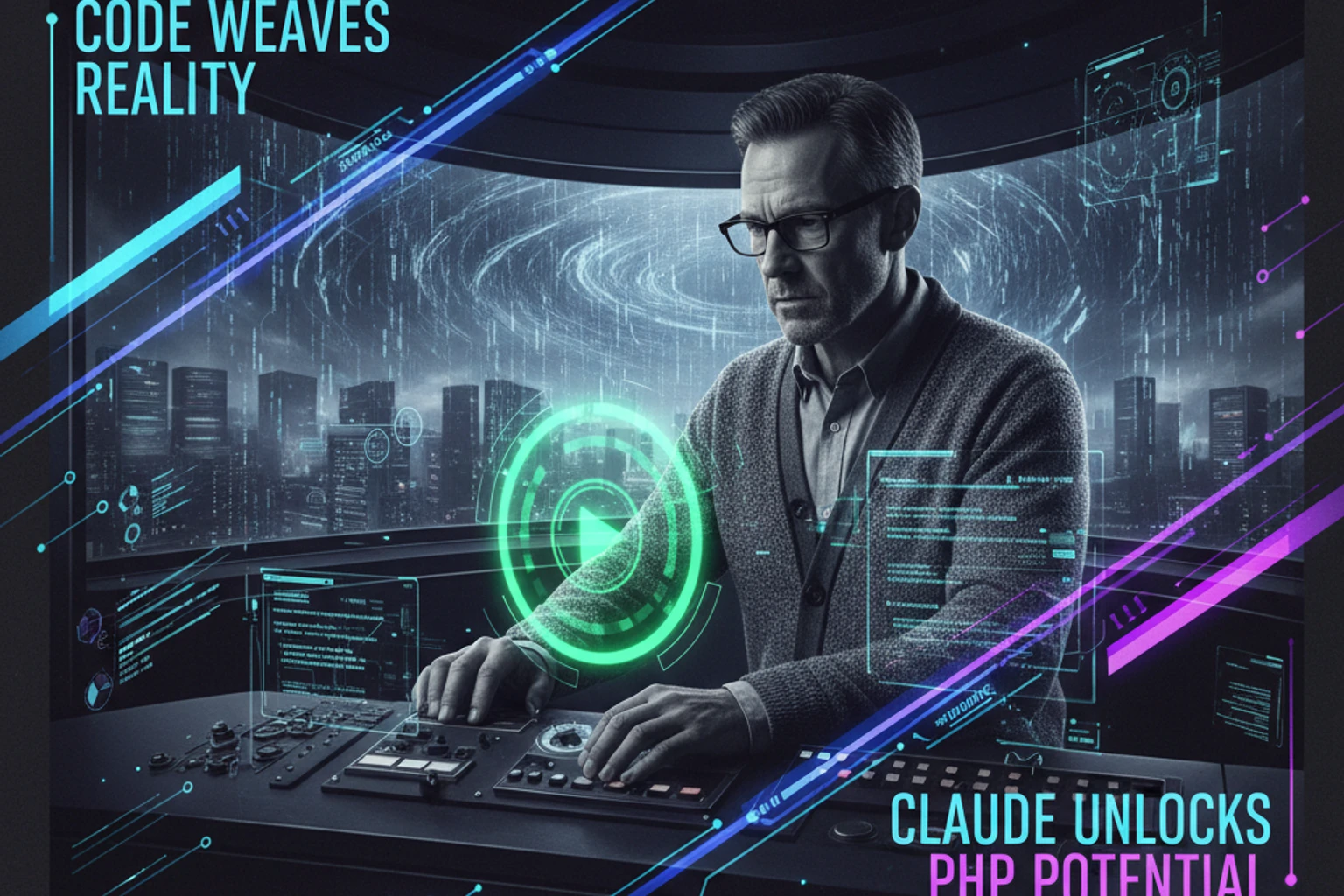
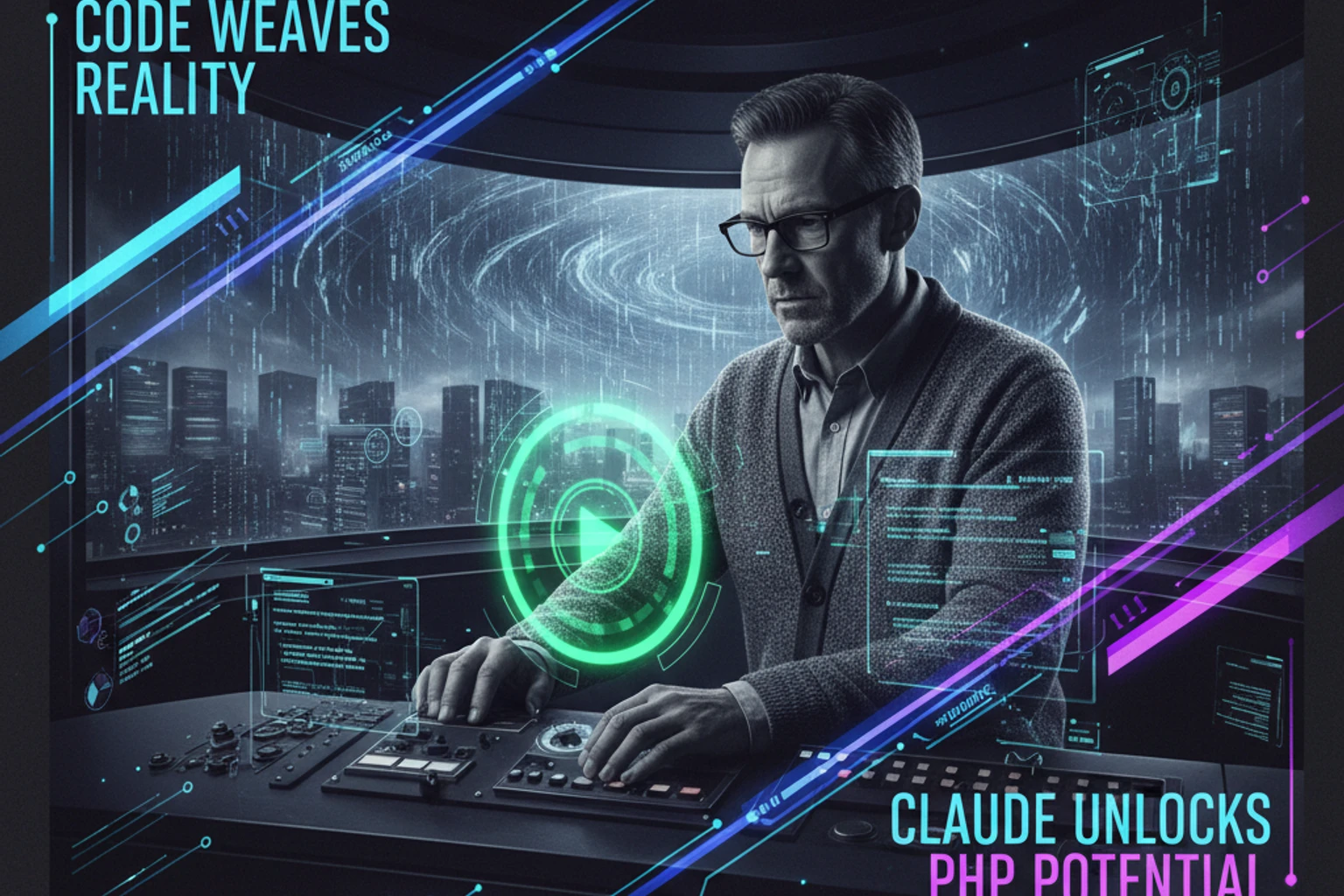
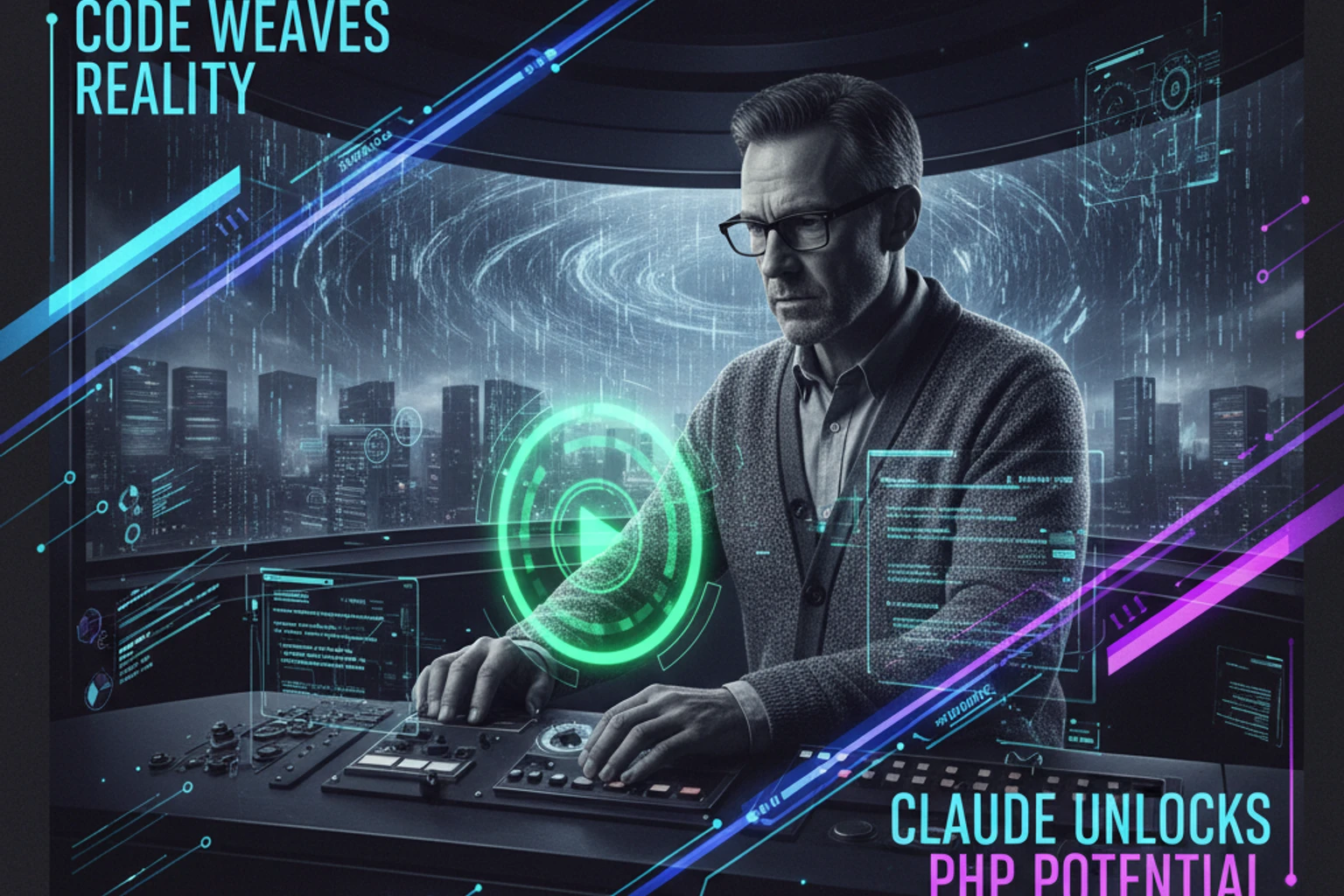
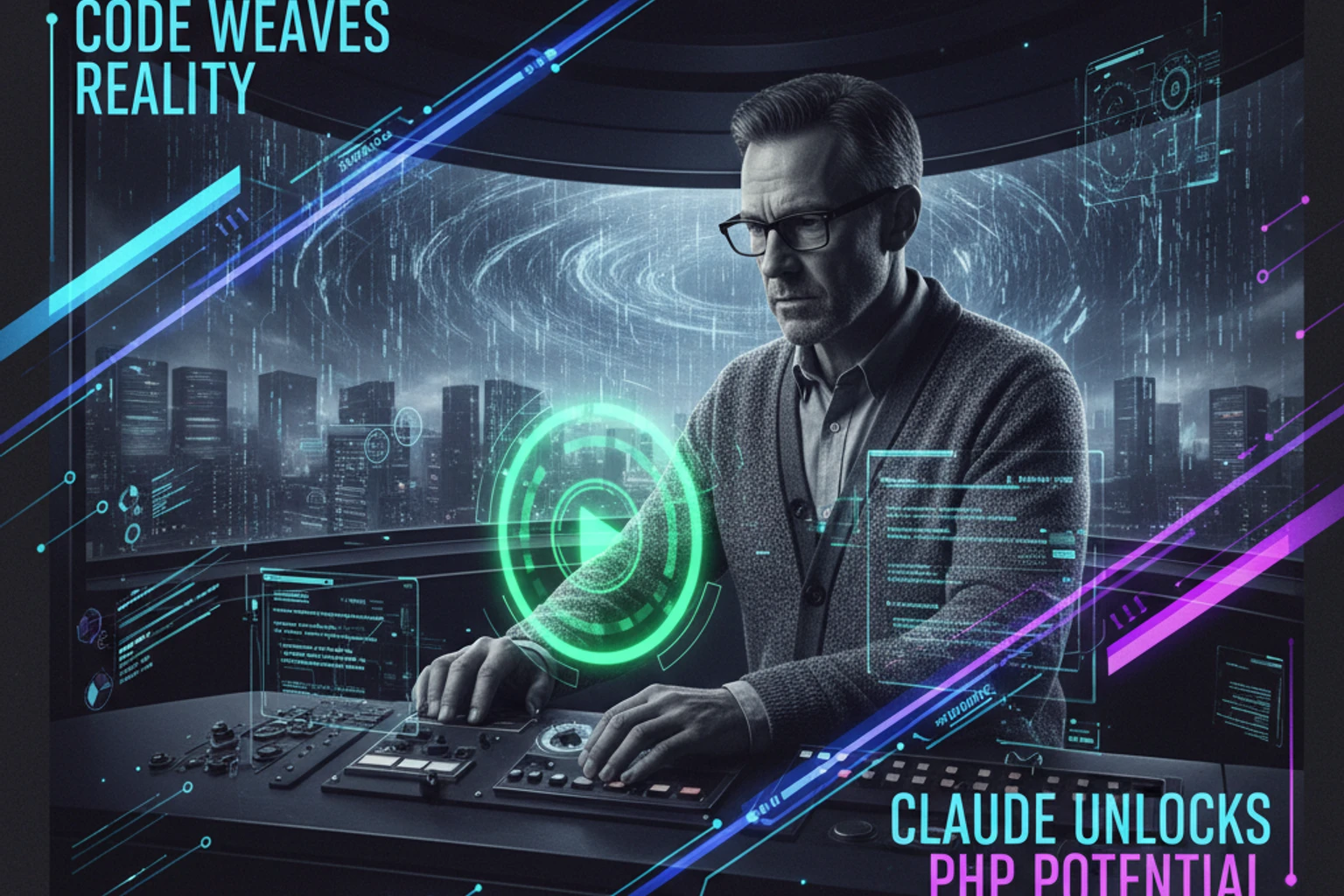
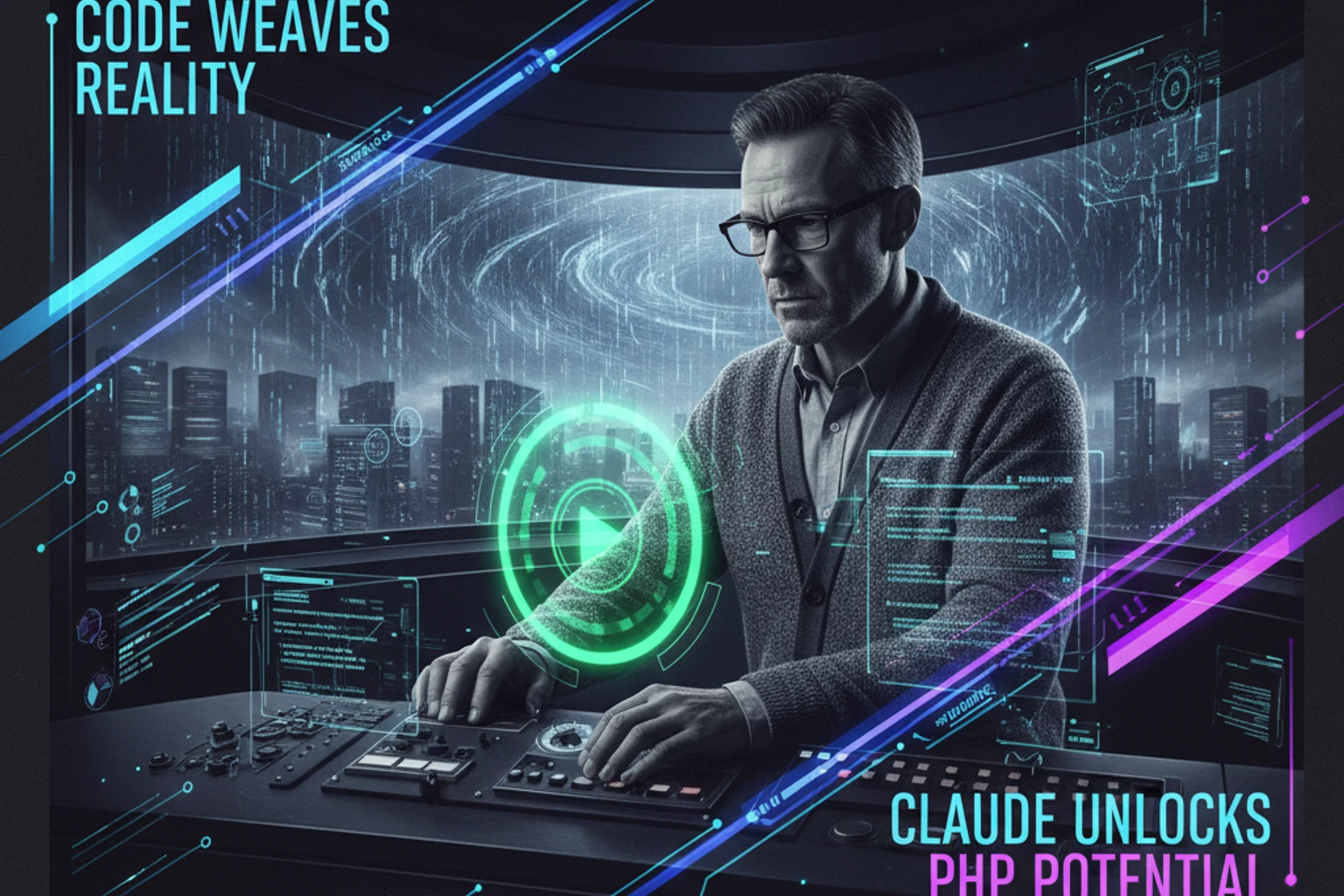
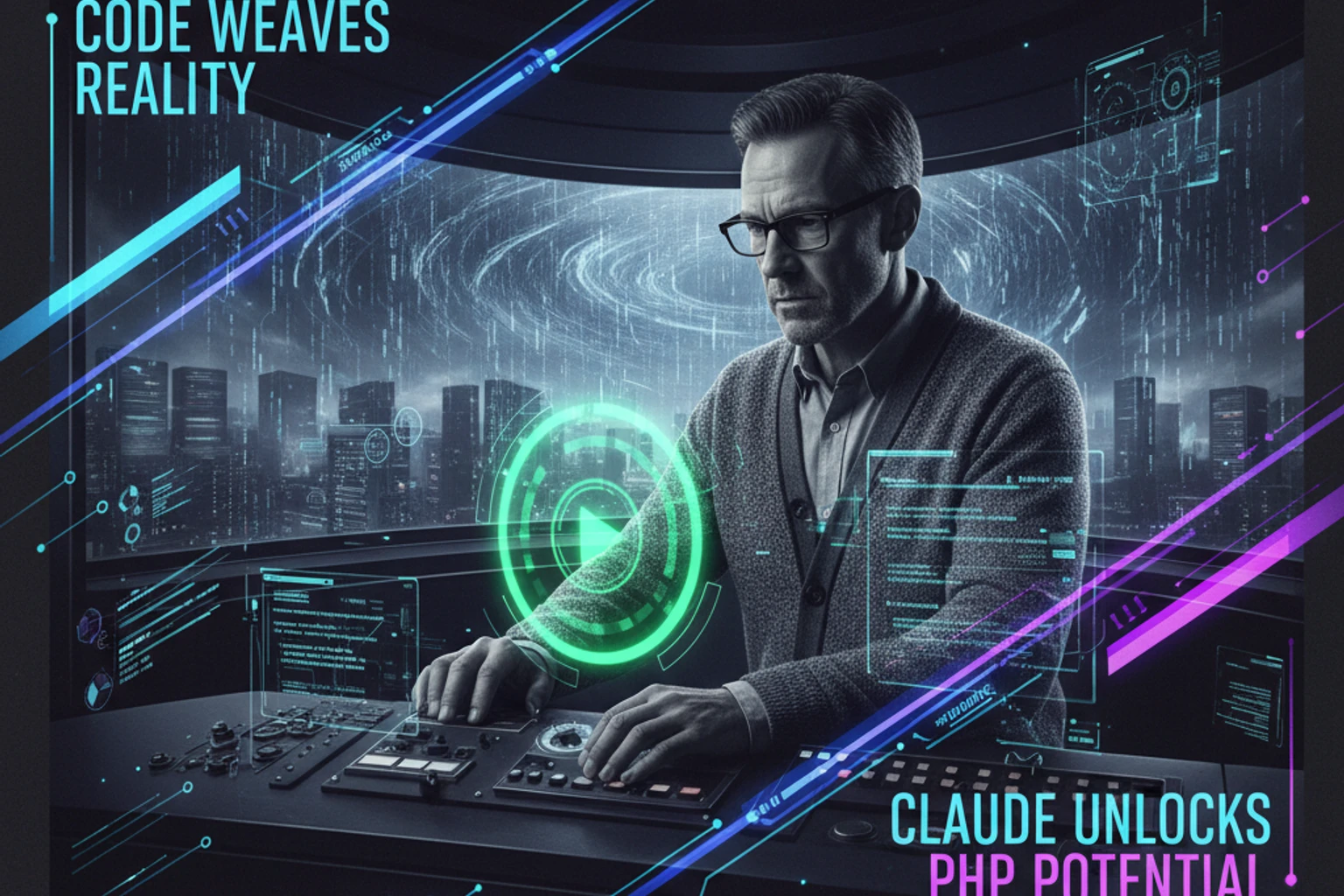
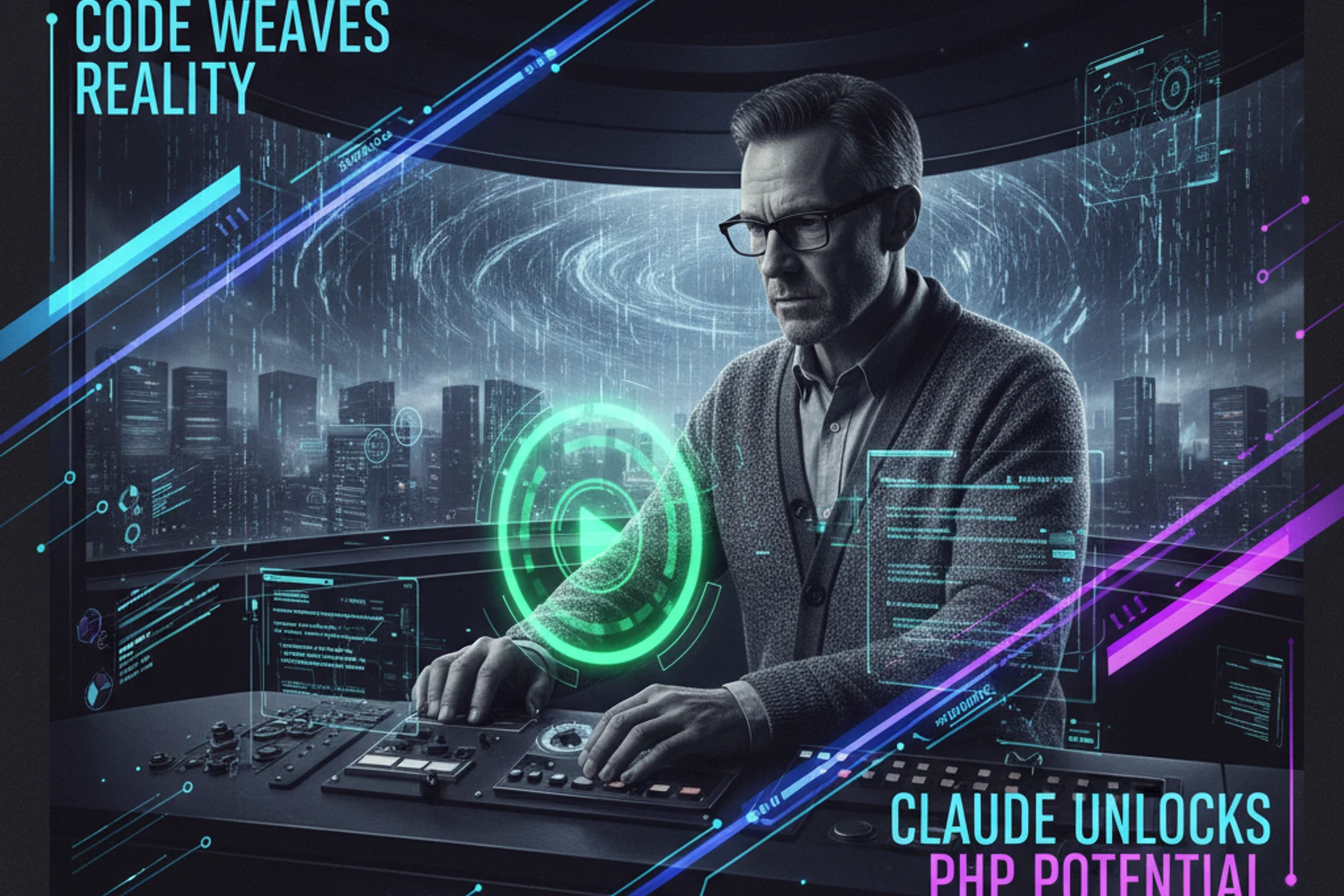
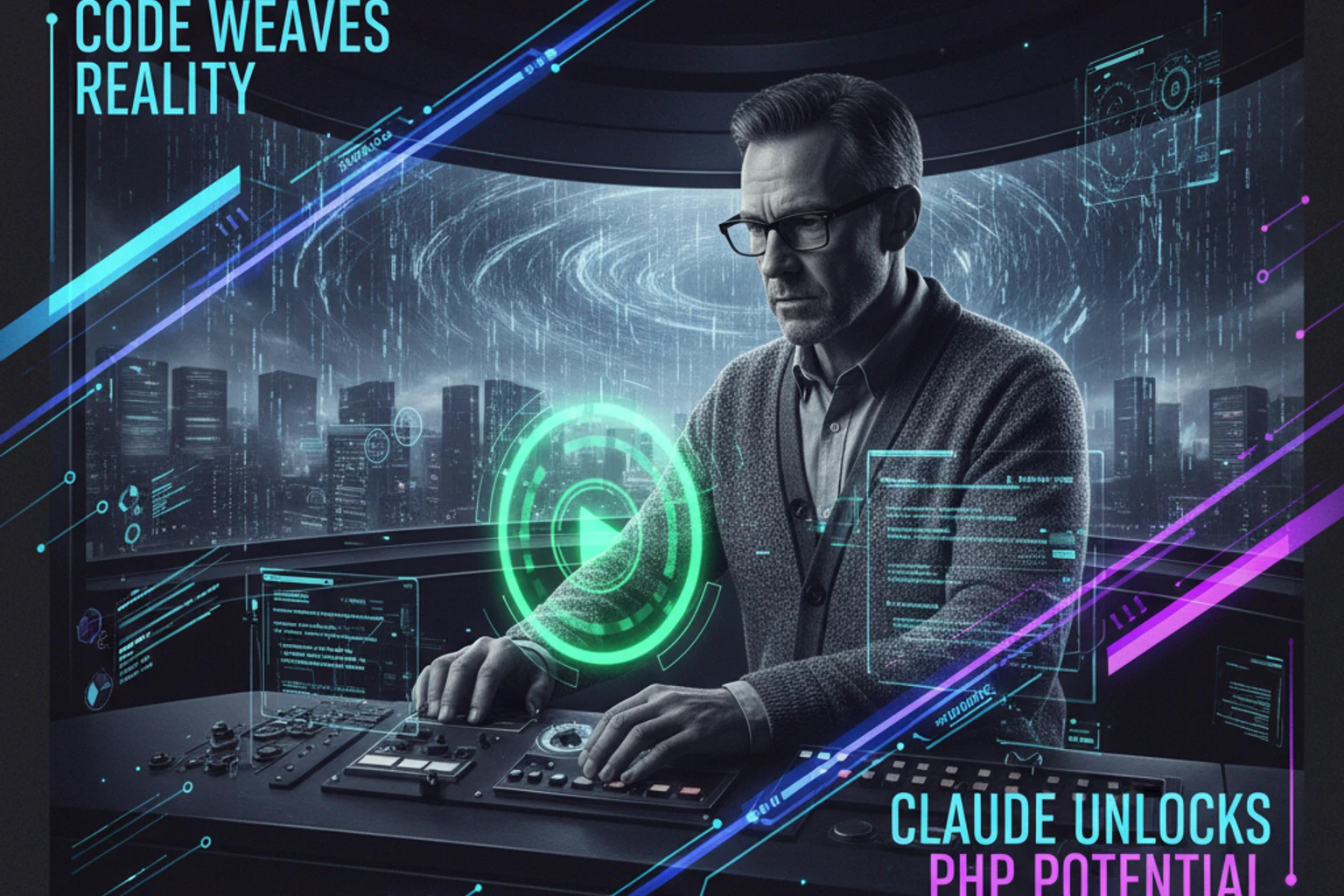
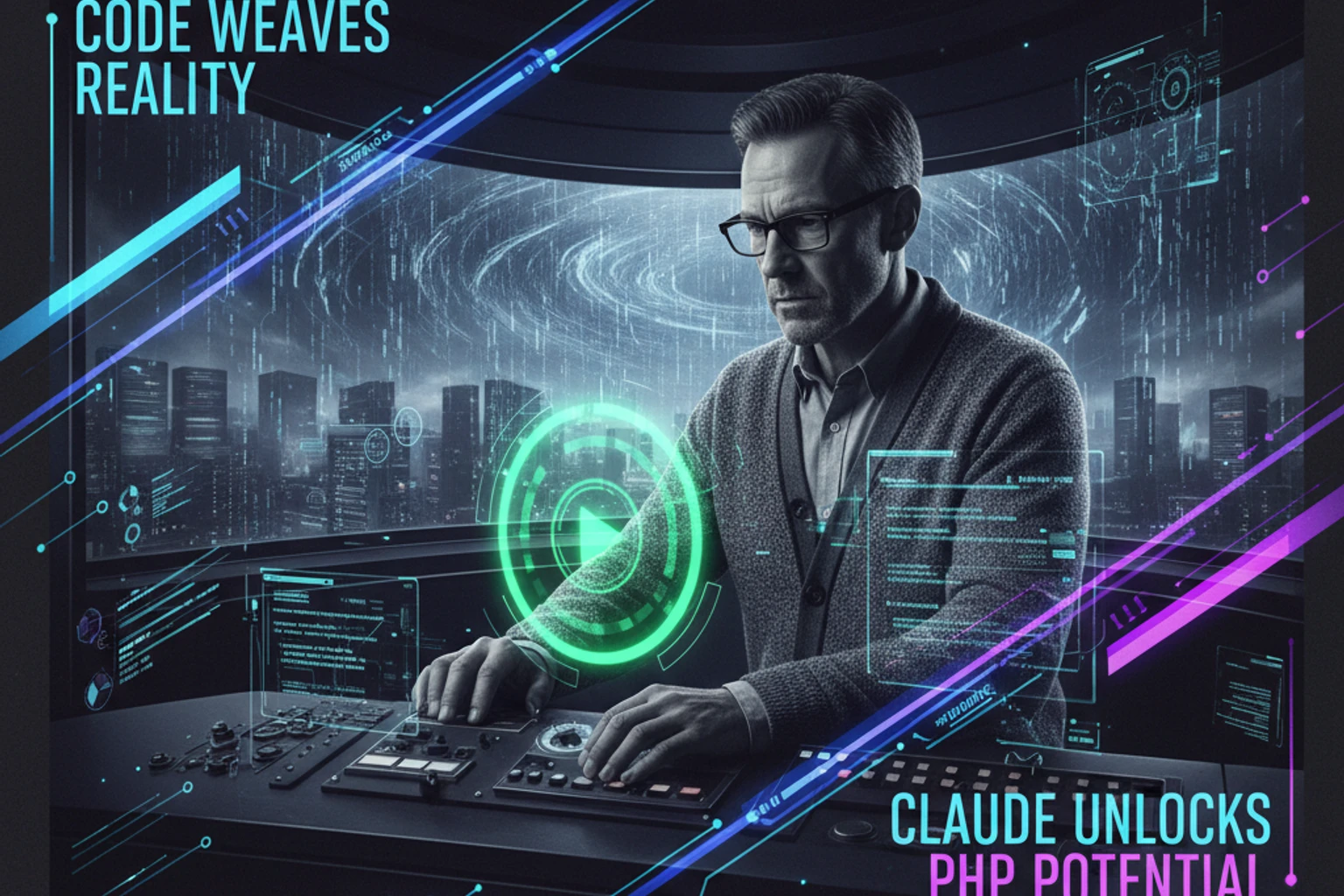
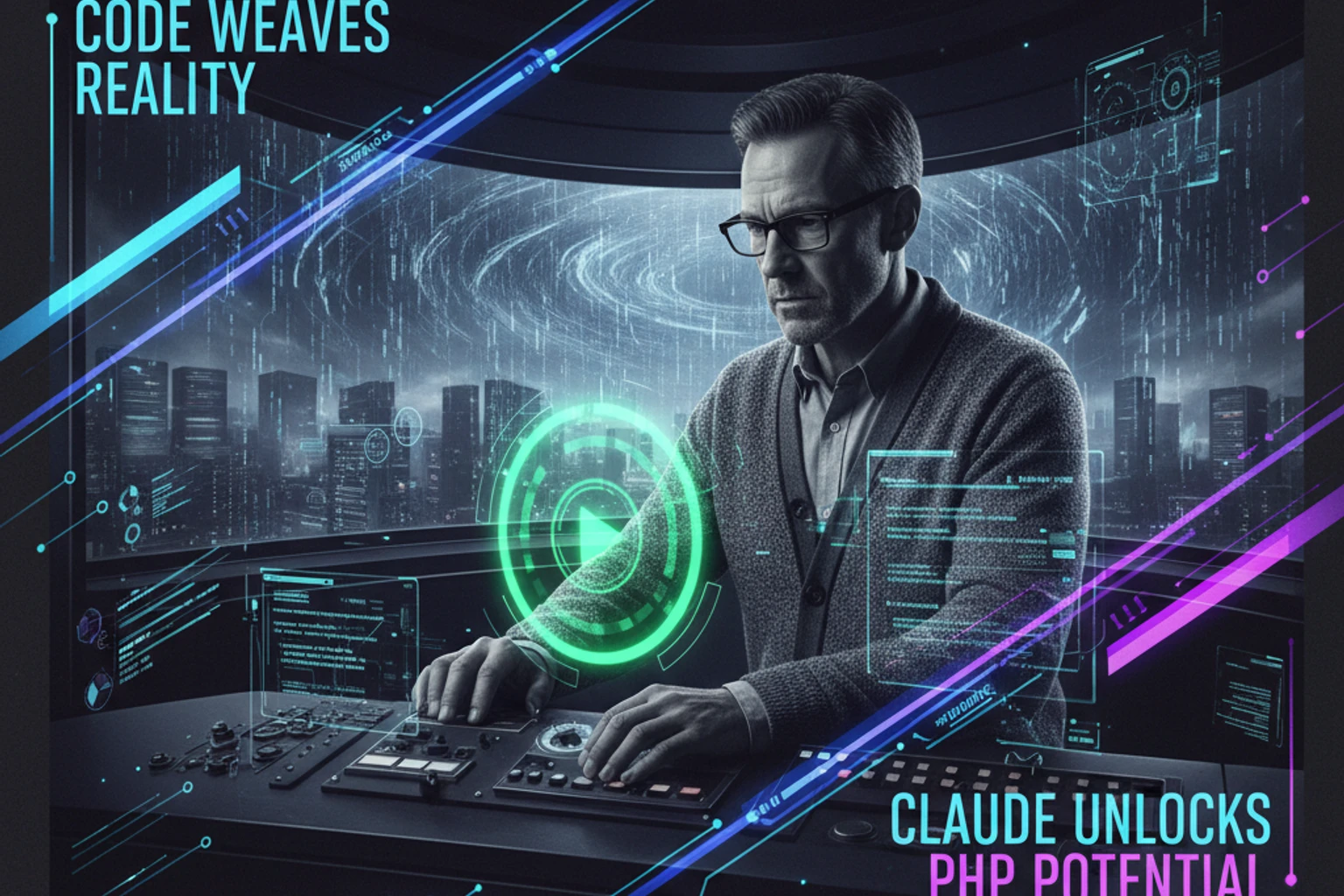
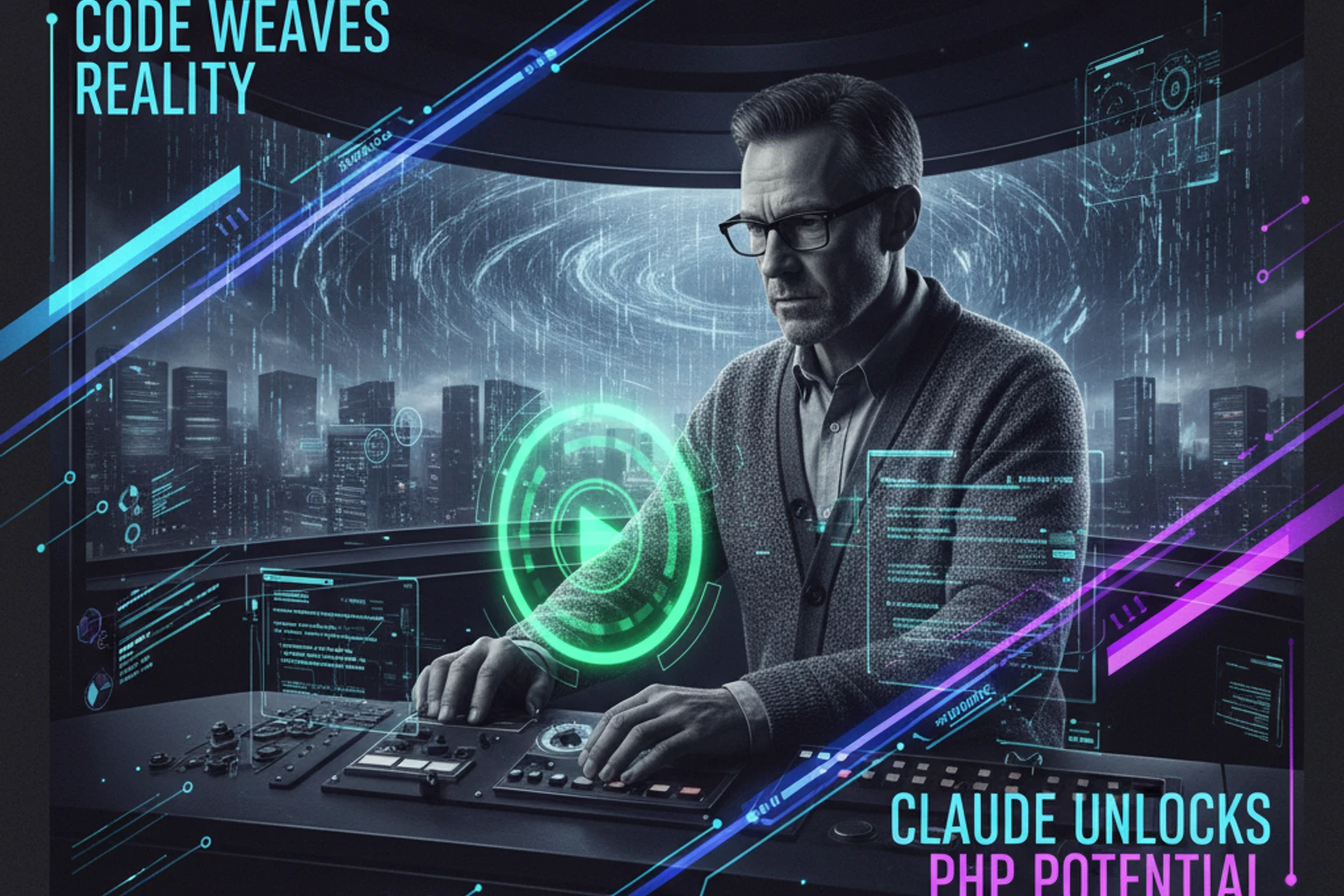
![Claude for PHP Developers](/images/claude-php/hero-full.webp)

# Claude for PHP Developers <span class="difficulty-badge difficulty-expert">Expert</span>

## Overview

Welcome to **Claude for PHP Developers** — the comprehensive, hands-on course that teaches you how to build production-ready AI applications using Anthropic's Claude and modern PHP. Whether you're adding AI features to existing applications, building AI-first products, or exploring the frontier of AI-powered development, this series will take you from your first API call to deploying sophisticated multi-agent systems.

Claude is Anthropic's family of state-of-the-art AI models, designed to be helpful, harmless, and honest. With capabilities including natural language understanding, code generation, vision, tool use, RAG, and advanced features like Agent Skills and Memory, Claude can transform your PHP applications into intelligent, context-aware systems that solve complex real-world problems.

**Claude Model Family:**
- **Claude Sonnet 4.5** — Balanced performance and cost, ideal for most applications (200K tokens standard, 1M tokens Beta)
- **Claude Haiku 4.5** — Fastest and most affordable, perfect for simple tasks (200K tokens)
- **Claude Opus 4.1** — Most capable, best for complex reasoning tasks (200K tokens)

All models support tool use, vision, streaming, structured outputs, and the latest beta features.

This series is built for **expert PHP developers** who want to master AI integration. You'll learn not just how to call APIs, but how to architect AI-powered systems, optimize for cost and performance, implement RAG (Retrieval Augmented Generation), build multi-agent workflows, and deploy production-grade applications that scale.

By the end of this series, you'll have built complete AI applications including chatbots, code review assistants, documentation generators, customer support systems, and more. More importantly, you'll understand the principles and patterns that enable you to architect any AI-powered solution using Claude and PHP.

## Who This Is For

This series is designed for:

- **Expert PHP developers** (5+ years) ready to integrate AI into their applications
- **Laravel/Symfony developers** wanting to build AI-powered features
- **Technical leads** architecting AI solutions for production systems
- **SaaS founders** building AI-first products with PHP backends
- **Enterprise developers** integrating Claude into existing PHP applications
- **AI-curious developers** with strong PHP skills ready to master modern AI

You should have expert-level PHP 8.6+ knowledge, understanding of modern frameworks (Laravel 11, Symfony 7), API development experience, and familiarity with asynchronous processing. No AI/ML background required—we'll teach you everything you need to know about working with Claude.

## Prerequisites

**Software Requirements:**

- **PHP 8.6+** (we'll use modern PHP features throughout)
- **Composer** for dependency management
- **Laravel 11** or **Symfony 7** (for framework-specific chapters)
- **Anthropic API Key** (we'll show you how to get one)
- **Git** for version control
- **Redis/MySQL** for caching and storage
- **Docker** (optional, for deployment chapters)

**Time Commitment:**

- **Estimated total**: 60–80 hours to complete all chapters
- **Per chapter**: 45 minutes to 2 hours
- **Quick start path**: 8 hours (Chapters 00-03, 06, 11, 21)
- **Production-ready path**: 40 hours (Chapters 00-20, 36-39)
- **Complete mastery path**: 80+ hours (all chapters + appendices)

**Skill Assumptions:**

- Expert-level PHP 8.6+ (namespaces, traits, interfaces, dependency injection, type declarations)
- Modern framework experience (Laravel 11 or Symfony 7)
- RESTful API development and consumption
- Understanding of asynchronous processing (queues, workers)
- Database design and optimization
- Git and deployment workflows
- Composer for dependency management
- No prior AI/ML experience required

## What You'll Build


By working through this series, you will:

1. **Master Claude API integration** in PHP applications:
   - Authentication and API key management
   - Message formatting and conversation threading
   - Streaming responses for real-time UX
   - Tool use (function calling) for dynamic capabilities
   - Vision API for image and document analysis
   - Structured outputs with JSON schema enforcement
   - Error handling, rate limiting, and retry logic
   - Cost optimization strategies (caching, batching, model selection)
   - Advanced features: Agent Skills, Memory Tool, Files API, Extended Thinking

2. **Build production-ready AI applications**:
   - **AI Chatbot** with conversation memory and context
   - **Code Review Assistant** for automated PR analysis
   - **Documentation Generator** from codebases
   - **Customer Support Bot** with RAG and knowledge bases
   - **Content Moderation System** for UGC platforms
   - **Data Extraction Pipeline** for structured data from documents
   - **Multi-Agent System** for complex workflow automation
   - **Admin Panel** with AI-powered features

3. **Implement advanced AI patterns**:
   - **RAG (Retrieval Augmented Generation)** with vector databases and semantic search
   - **Prompt chaining** for multi-step workflows
   - **Multi-agent systems** with specialized agents and orchestration
   - **Agent Skills** (Beta) for extending Claude with custom capabilities
   - **Caching strategies** including prompt caching (5m/1hr) and response caching
   - **Queue-based processing** for long-running tasks
   - **Batch processing** for 50% cost savings on async workloads
   - **Real-time streaming** with WebSockets and Server-Sent Events
   - **Extended Thinking** for transparent reasoning processes
   - **Citations and Search Results** for RAG and knowledge base integration
   - **Memory Tool** (Beta) for cross-conversation memory
   - **Files API** (Beta) for persistent file uploads
   - **Fine-tuning strategies** for domain-specific models

4. **Deploy and scale in production**:
   - Security best practices, API key management, and compliance
   - Privacy considerations: GDPR, data residency, PII handling
   - Monitoring and observability with logging and metrics
   - Rate limiting, quota management, and graceful degradation
   - Cost optimization and billing alerts
   - Quality assurance: evaluating and measuring AI output
   - Testing strategies: unit tests, integration tests, mock responses
   - Docker deployment, orchestration, and CI/CD integration
   - Scaling strategies: horizontal scaling, load balancing, queuing
   - Debugging techniques and troubleshooting production issues

Every code example is production-ready, following PHP 8.6+ best practices, modern design patterns, and includes comprehensive error handling and testing strategies.

## Learning Objectives

By the end of this series, you will be able to:

- **Integrate Claude API** into any PHP application with confidence
- **Design and implement AI-powered features** that solve real business problems
- **Optimize prompts** for accuracy, performance, and cost-effectiveness
- **Build conversational interfaces** with context and memory management (including Memory Tool)
- **Implement RAG systems** with vector databases, semantic search, and citations
- **Create tool use functions** that extend Claude's capabilities dynamically
- **Use Agent Skills** (Beta) to extend Claude with custom capabilities
- **Process images and documents** using Claude's vision capabilities and Files API
- **Design multi-agent systems** for complex workflow automation
- **Implement advanced features** like Extended Thinking, prompt caching, and batch processing
- **Deploy production applications** with monitoring, scaling, security, and compliance
- **Optimize costs** through caching, batching, intelligent model selection, and quality trade-offs
- **Test AI features** effectively: mocking, unit testing, quality verification
- **Measure and evaluate** AI output quality and performance metrics
- **Debug and troubleshoot** AI application issues systematically
- **Secure sensitive data**: handle PII, implement data privacy, ensure compliance

## How This Series Works

This series follows a **progressive, project-based approach**: you'll learn each concept by understanding the theory, implementing it in PHP, building a practical application, and deploying it to production.

Each chapter includes:

- **Clear explanations** of Claude features and AI concepts
- **Step-by-step implementations** in modern PHP 8.6+
- **Complete working examples** with Laravel, Symfony, and standalone PHP
- **Best practices** for production deployments
- **Cost optimization strategies** for each feature
- **Security considerations** and common pitfalls
- **Testing strategies** for AI features and mocking
- **Quality assurance** approaches for AI output
- **Troubleshooting guides** for common issues and debugging techniques
- **Hands-on exercises** to reinforce learning
- **Further reading** for deeper exploration

We'll start with fundamentals (API basics, authentication, prompting), progress through core features (streaming, tools, vision), explore integration patterns (Laravel, caching, queues), and finish with advanced topics (RAG, multi-agent systems, production deployment).

**Latest Features Covered:**
This series includes coverage of Claude's newest capabilities including Agent Skills (Beta), Memory Tool (Beta), Files API (Beta), Extended Thinking, prompt caching, batch processing, citations, and the 1M token context window (Beta). We'll show you how to leverage these cutting-edge features in your PHP applications.

::: tip
Build alongside each chapter instead of just reading. Understanding AI integration requires hands-on practice—implementing, testing, debugging, and iterating. Each chapter includes complete, runnable code examples.
:::

## Quick Start

Want to make your first Claude API call right now? Here's a 2-minute example:

```php
<?php
require 'vendor/autoload.php';

use ClaudePhp\ClaudePhp;

// Initialize Claude client
$client = new ClaudePhp(
    apiKey: getenv('ANTHROPIC_API_KEY')
);

// Your first AI conversation!
$response = $client->messages()->create([
    'model' => 'claude-sonnet-4-20250514', // Claude Sonnet 4.5 - verify latest version
    'max_tokens' => 1024,
    'messages' => [
        ['role' => 'user', 'content' => 'Write a PHP function to calculate fibonacci numbers']
    ]
]);

// Access the generated text
echo $response->content[0]->text;

// Claude will generate a complete, working PHP function!
```

**What This Does:**
- Initializes the Anthropic PHP SDK with your API key
- Sends a message to Claude Sonnet 4.5 (latest model)
- Receives and displays the AI-generated PHP code
- Ready to run—just set your `ANTHROPIC_API_KEY` environment variable!

**Setup Required:**
1. Install the Claude PHP SDK: `composer require claude-php/claude-php-sdk`
2. Set your API key: `export ANTHROPIC_API_KEY='your-key-here'`
3. Run the script: `php quickstart.php`

**What's Next?**
That's just the beginning. Head to [Chapter 00: Quick Start Guide](/series/claude-php-developers/chapters/00-quick-start-guide/) for a complete working example, or start comprehensive learning with [Chapter 01: Introduction to Claude API](/series/claude-php-developers/chapters/01-introduction-to-claude-api/).

---

## Learning Paths & Chapters

Choose your learning path based on your goals and timeline, or explore all chapters below.

::: tip Recommended Learning Paths
- **Quick Start** (~8 hours): Chapters 00, 01, 02, 03, 06, 11, 21
- **Production Integration** (~40 hours): Chapters 00-20, 36-39
- **AI Application Builder** (~60 hours): All chapters 00-30 + Appendices
- **Complete Mastery** (~80 hours): All chapters 00-39 + all appendices
:::

### Part 0: Getting Started (Chapter 00)

Jump right in with working examples and common use cases.

<div style="display: flex; align-items: flex-start; gap: 1rem; margin-bottom: 1.5rem;">
  <img src="/images/claude-php/chapter-00-thumbnail.webp" alt="Chapter 00 thumbnail" style="width: 180px; height: auto; flex-shrink: 0; border-radius: 4px;" />
  <div>
    <h4 style="margin-top: 0;"><a href="/series/claude-php-developers/chapters/00-quick-start-guide">00 — Quick Start Guide</a></h4>
    <p style="margin-bottom: 0;">Start here if you have 5 minutes. Get Claude running in PHP with practical examples: text generation, code analysis, data extraction. See real API calls, responses, and common patterns for immediate results.</p>
  </div>
</div>

### Part 1: Foundation (Chapters 01–05)

Build essential knowledge for working with Claude API.

<div style="display: flex; align-items: flex-start; gap: 1rem; margin-bottom: 1.5rem;">
  <img src="/images/claude-php/chapter-01-thumbnail.webp" alt="Chapter 01 thumbnail" style="width: 180px; height: auto; flex-shrink: 0; border-radius: 4px;" />
  <div>
    <h4 style="margin-top: 0;"><a href="/series/claude-php-developers/chapters/01-introduction-to-claude-api">01 — Introduction to Claude API</a></h4>
    <p style="margin-bottom: 0;">Understand Claude's capabilities, model variants (Opus, Sonnet, Haiku), pricing tiers, and when to use each. Learn the Messages API structure, how conversations work, and the fundamentals that power all Claude integrations.</p>
  </div>
</div>

<div style="display: flex; align-items: flex-start; gap: 1rem; margin-bottom: 1.5rem;">
  <img src="/images/claude-php/chapter-02-thumbnail.webp" alt="Chapter 02 thumbnail" style="width: 180px; height: auto; flex-shrink: 0; border-radius: 4px;" />
  <div>
    <h4 style="margin-top: 0;"><a href="/series/claude-php-developers/chapters/02-authentication-api-keys">02 — Authentication and API Keys</a></h4>
    <p style="margin-bottom: 0;">Set up Anthropic account, generate API keys, and implement secure authentication in PHP. Learn environment variable management, key rotation strategies, and security best practices for production applications.</p>
  </div>
</div>

<div style="display: flex; align-items: flex-start; gap: 1rem; margin-bottom: 1.5rem;">
  <img src="/images/claude-php/chapter-03-thumbnail.webp" alt="Chapter 03 thumbnail" style="width: 180px; height: auto; flex-shrink: 0; border-radius: 4px;" />
  <div>
    <h4 style="margin-top: 0;"><a href="/series/claude-php-developers/chapters/03-first-claude-request">03 — Your First Claude Request in PHP</a></h4>
    <p style="margin-bottom: 0;">Make your first Claude request with the community PHP SDK or Guzzle. Read text and token usage, validate JSON, and diagnose request errors.</p>
  </div>
</div>

<div style="display: flex; align-items: flex-start; gap: 1rem; margin-bottom: 1.5rem;">
  <img src="/images/claude-php/chapter-04-thumbnail.webp" alt="Chapter 04 thumbnail" style="width: 180px; height: auto; flex-shrink: 0; border-radius: 4px;" />
  <div>
    <h4 style="margin-top: 0;"><a href="/series/claude-php-developers/chapters/04-messages-conversations">04 — Understanding Messages and Conversations</a></h4>
    <p style="margin-bottom: 0;">Master message formatting with user/assistant roles, build multi-turn conversations with context management, and implement conversation memory. Learn when to truncate context and how to maintain coherent long-running dialogues.</p>
  </div>
</div>

<div style="display: flex; align-items: flex-start; gap: 1rem; margin-bottom: 1.5rem;">
  <img src="/images/claude-php/chapter-05-thumbnail.webp" alt="Chapter 05 thumbnail" style="width: 180px; height: auto; flex-shrink: 0; border-radius: 4px;" />
  <div>
    <h4 style="margin-top: 0;"><a href="/series/claude-php-developers/chapters/05-prompt-engineering-basics">05 — Prompt Engineering Basics</a></h4>
    <p style="margin-bottom: 0;">Learn effective prompting techniques: clarity, specificity, examples, and formatting. Understand few-shot learning, chain-of-thought prompting, and role-playing. Master the art of getting consistent, high-quality responses from Claude.</p>
  </div>
</div>

### Part 2: Core Concepts (Chapters 06–10)

Master essential Claude features for production applications.

<div style="display: flex; align-items: flex-start; gap: 1rem; margin-bottom: 1.5rem;">
  <img src="/images/claude-php/chapter-06-thumbnail.webp" alt="Chapter 06 thumbnail" style="width: 180px; height: auto; flex-shrink: 0; border-radius: 4px;" />
  <div>
    <h4 style="margin-top: 0;"><a href="/series/claude-php-developers/chapters/06-streaming-responses">06 — Streaming Responses in PHP</a></h4>
    <p style="margin-bottom: 0;">Implement real-time streaming for better user experience. Process Server-Sent Events (SSE) in PHP, handle partial responses, and build a streaming chatbot interface. Learn when streaming improves UX and when to use complete responses.</p>
  </div>
</div>

<div style="display: flex; align-items: flex-start; gap: 1rem; margin-bottom: 1.5rem;">
  <img src="/images/claude-php/chapter-07-thumbnail.webp" alt="Chapter 07 thumbnail" style="width: 180px; height: auto; flex-shrink: 0; border-radius: 4px;" />
  <div>
    <h4 style="margin-top: 0;"><a href="/series/claude-php-developers/chapters/07-system-prompts-roles">07 — System Prompts and Role Definition</a></h4>
    <p style="margin-bottom: 0;">Use system prompts to define Claude's personality, expertise, and behavior. Create specialized AI assistants (code reviewer, customer support, technical writer) by engineering system-level instructions. Learn prompt injection prevention.</p>
  </div>
</div>

<div style="display: flex; align-items: flex-start; gap: 1rem; margin-bottom: 1.5rem;">
  <img src="/images/claude-php/chapter-08-thumbnail.webp" alt="Chapter 08 thumbnail" style="width: 180px; height: auto; flex-shrink: 0; border-radius: 4px;" />
  <div>
    <h4 style="margin-top: 0;"><a href="/series/claude-php-developers/chapters/08-temperature-sampling">08 — Temperature and Sampling Parameters</a></h4>
    <p style="margin-bottom: 0;">Control response randomness and creativity with temperature, top_p, and top_k. Understand when to use deterministic outputs (low temperature) vs creative responses (high temperature). Optimize for different use cases: code generation, creative writing, data extraction.</p>
  </div>
</div>

<div style="display: flex; align-items: flex-start; gap: 1rem; margin-bottom: 1.5rem;">
  <img src="/images/claude-php/chapter-09-thumbnail.webp" alt="Chapter 09 thumbnail" style="width: 180px; height: auto; flex-shrink: 0; border-radius: 4px;" />
  <div>
    <h4 style="margin-top: 0;"><a href="/series/claude-php-developers/chapters/09-token-management">09 — Token Management and Counting</a></h4>
    <p style="margin-bottom: 0;">Understand tokenization, calculate costs, and optimize context windows. Learn to count tokens accurately in PHP, implement context pruning strategies, and manage context limits (200K tokens standard, 1M tokens Beta). Build a token budget system for cost control.</p>
  </div>
</div>

<div style="display: flex; align-items: flex-start; gap: 1rem; margin-bottom: 1.5rem;">
  <img src="/images/claude-php/chapter-10-thumbnail.webp" alt="Chapter 10 thumbnail" style="width: 180px; height: auto; flex-shrink: 0; border-radius: 4px;" />
  <div>
    <h4 style="margin-top: 0;"><a href="/series/claude-php-developers/chapters/10-error-handling-rate-limiting">10 — Error Handling and Rate Limiting</a></h4>
    <p style="margin-bottom: 0;">Handle API errors gracefully with retry logic, exponential backoff, and circuit breakers. Implement rate limiting to respect API quotas, build a resilient error handling system, and create meaningful error messages for users and logs.</p>
  </div>
</div>

### Part 3: Advanced Features (Chapters 11–15)

Unlock Claude's powerful capabilities for real-world applications.

<div style="display: flex; align-items: flex-start; gap: 1rem; margin-bottom: 1.5rem;">
  <img src="/images/claude-php/chapter-11-thumbnail.webp" alt="Chapter 11 thumbnail" style="width: 180px; height: auto; flex-shrink: 0; border-radius: 4px;" />
  <div>
    <h4 style="margin-top: 0;"><a href="/series/claude-php-developers/chapters/11-tool-use-fundamentals">11 — Tool Use (Function Calling) Fundamentals</a></h4>
    <p style="margin-bottom: 0;">Extend Claude's capabilities with tool use (function calling). Define tools, handle tool calls, and return results. Build dynamic systems where Claude can check databases, call APIs, perform calculations, and execute PHP functions based on conversation context.</p>
  </div>
</div>

<div style="display: flex; align-items: flex-start; gap: 1rem; margin-bottom: 1.5rem;">
  <img src="/images/claude-php/chapter-12-thumbnail.webp" alt="Chapter 12 thumbnail" style="width: 180px; height: auto; flex-shrink: 0; border-radius: 4px;" />
  <div>
    <h4 style="margin-top: 0;"><a href="/series/claude-php-developers/chapters/12-building-custom-tools">12 — Building Custom Tools in PHP</a></h4>
    <p style="margin-bottom: 0;">Create a library of custom tools: database queries, weather API, email sender, file operations, and more. Learn tool orchestration, error handling in tool execution, and security considerations. Build a plugin system for extensible AI capabilities.</p>
  </div>
</div>

<div style="display: flex; align-items: flex-start; gap: 1rem; margin-bottom: 1.5rem;">
  <img src="/images/claude-php/chapter-13-thumbnail.webp" alt="Chapter 13 thumbnail" style="width: 180px; height: auto; flex-shrink: 0; border-radius: 4px;" />
  <div>
    <h4 style="margin-top: 0;"><a href="/series/claude-php-developers/chapters/13-vision-images">13 — Vision - Working with Images</a></h4>
    <p style="margin-bottom: 0;">Analyze images with Claude's vision capabilities. Upload images, ask questions about visual content, extract text from screenshots, analyze charts and diagrams. Build image moderation, receipt parsing, and visual search features.</p>
  </div>
</div>

<div style="display: flex; align-items: flex-start; gap: 1rem; margin-bottom: 1.5rem;">
  <img src="/images/claude-php/chapter-14-thumbnail.webp" alt="Chapter 14 thumbnail" style="width: 180px; height: auto; flex-shrink: 0; border-radius: 4px;" />
  <div>
    <h4 style="margin-top: 0;"><a href="/series/claude-php-developers/chapters/14-document-processing">14 — Document Processing and PDF Analysis</a></h4>
    <p style="margin-bottom: 0;">Process PDFs, extract structured data from documents, analyze contracts and invoices, and convert documents to searchable text. Combine vision and text processing for comprehensive document understanding. Build a document intelligence system.</p>
  </div>
</div>

<div style="display: flex; align-items: flex-start; gap: 1rem; margin-bottom: 1.5rem;">
  <img src="/images/claude-php/chapter-15-thumbnail.webp" alt="Chapter 15 thumbnail" style="width: 180px; height: auto; flex-shrink: 0; border-radius: 4px;" />
  <div>
    <h4 style="margin-top: 0;"><a href="/series/claude-php-developers/chapters/15-structured-outputs">15 — Structured Outputs with JSON</a></h4>
    <p style="margin-bottom: 0;">Get reliable JSON responses from Claude for structured data extraction. Define schemas, validate outputs, and handle parsing errors. Build data extraction pipelines that transform unstructured text into typed PHP objects with confidence.</p>
  </div>
</div>

### Part 4: PHP Integration Patterns (Chapters 16–20)

Integrate Claude into modern PHP applications and frameworks.

<div style="display: flex; align-items: flex-start; gap: 1rem; margin-bottom: 1.5rem;">
  <img src="/images/claude-php/chapter-16-thumbnail.webp" alt="Chapter 16 thumbnail" style="width: 180px; height: auto; flex-shrink: 0; border-radius: 4px;" />
  <div>
    <h4 style="margin-top: 0;"><a href="/series/claude-php-developers/chapters/16-claude-php-sdk">16 — The Claude PHP SDK</a></h4>
    <p style="margin-bottom: 0;">Stream responses with the community Claude PHP SDK. Add token counting and logging with Guzzle middleware, then test your request against a mock response.</p>
  </div>
</div>

<div style="display: flex; align-items: flex-start; gap: 1rem; margin-bottom: 1.5rem;">
  <img src="/images/claude-php/chapter-17-thumbnail.webp" alt="Chapter 17 thumbnail" style="width: 180px; height: auto; flex-shrink: 0; border-radius: 4px;" />
  <div>
    <h4 style="margin-top: 0;"><a href="/series/claude-php-developers/chapters/17-claude-service-class">17 — Building a Claude Service Class</a></h4>
    <p style="margin-bottom: 0;">Design a reusable ClaudeService class with dependency injection, configuration management, and testing support. Implement the service layer pattern for clean architecture. Make Claude integration testable, maintainable, and framework-agnostic.</p>
  </div>
</div>

<div style="display: flex; align-items: flex-start; gap: 1rem; margin-bottom: 1.5rem;">
  <img src="/images/claude-php/chapter-18-thumbnail.webp" alt="Chapter 18 thumbnail" style="width: 180px; height: auto; flex-shrink: 0; border-radius: 4px;" />
  <div>
    <h4 style="margin-top: 0;"><a href="/series/claude-php-developers/chapters/18-caching-strategies">18 — Caching Strategies for API Calls</a></h4>
    <p style="margin-bottom: 0;">Reduce costs and latency with intelligent caching. Implement prompt caching, response caching with Redis, cache invalidation strategies, and semantic caching. Learn when to cache, what to cache, and how long to cache for optimal cost-performance balance.</p>
  </div>
</div>

<div style="display: flex; align-items: flex-start; gap: 1rem; margin-bottom: 1.5rem;">
  <img src="/images/claude-php/chapter-19-thumbnail.webp" alt="Chapter 19 thumbnail" style="width: 180px; height: auto; flex-shrink: 0; border-radius: 4px;" />
  <div>
    <h4 style="margin-top: 0;"><a href="/series/claude-php-developers/chapters/19-queue-processing-laravel">19 — Queue-Based Processing with Laravel</a></h4>
    <p style="margin-bottom: 0;">Handle long-running Claude requests asynchronously using Laravel queues. Implement job batching, progress tracking, and webhook notifications. Build scalable background processing for document analysis, bulk operations, and report generation.</p>
  </div>
</div>

<div style="display: flex; align-items: flex-start; gap: 1rem; margin-bottom: 1.5rem;">
  <img src="/images/claude-php/chapter-20-thumbnail.webp" alt="Chapter 20 thumbnail" style="width: 180px; height: auto; flex-shrink: 0; border-radius: 4px;" />
  <div>
    <h4 style="margin-top: 0;"><a href="/series/claude-php-developers/chapters/20-realtime-chat-websockets">20 — Real-time Chat with WebSockets</a></h4>
    <p style="margin-bottom: 0;">Build a real-time streaming chat interface using Laravel Reverb/Soketi and WebSockets. Stream Claude responses to multiple connected clients, implement typing indicators, and handle connection management. Create a production-ready chat experience.</p>
  </div>
</div>

### Part 5: PHP Framework Integration (Chapters 21–25)

Master framework-specific patterns: Laravel-first with Symfony compatibility notes.

<div style="display: flex; align-items: flex-start; gap: 1rem; margin-bottom: 1.5rem;">
  <img src="/images/claude-php/chapter-21-thumbnail.webp" alt="Chapter 21 thumbnail" style="width: 180px; height: auto; flex-shrink: 0; border-radius: 4px;" />
  <div>
    <h4 style="margin-top: 0;"><a href="/series/claude-php-developers/chapters/21-laravel-integration">21 — Laravel Integration Patterns</a></h4>
    <p style="margin-bottom: 0;">Integrate Claude into Laravel applications using service providers, facades, and contracts. Implement configuration management, environment-based settings, and testing strategies. Build a complete Laravel package for Claude integration.</p>
  </div>
</div>

<div style="display: flex; align-items: flex-start; gap: 1rem; margin-bottom: 1.5rem;">
  <img src="/images/claude-php/chapter-22-thumbnail.webp" alt="Chapter 22 thumbnail" style="width: 180px; height: auto; flex-shrink: 0; border-radius: 4px;" />
  <div>
    <h4 style="margin-top: 0;"><a href="/series/claude-php-developers/chapters/22-chatbot-laravel">22 — Building a Chatbot with Laravel</a></h4>
    <p style="margin-bottom: 0;">Build a complete chatbot from scratch: conversation persistence, user authentication, message history, context management, and typing indicators. Implement rate limiting per user, conversation branching, and export functionality. Deploy with Livewire for reactive UI.</p>
  </div>
</div>

<div style="display: flex; align-items: flex-start; gap: 1rem; margin-bottom: 1.5rem;">
  <img src="/images/claude-php/chapter-23-thumbnail.webp" alt="Chapter 23 thumbnail" style="width: 180px; height: auto; flex-shrink: 0; border-radius: 4px;" />
  <div>
    <h4 style="margin-top: 0;"><a href="/series/claude-php-developers/chapters/23-ai-form-validation">23 — Claude-Powered Form Validation</a></h4>
    <p style="margin-bottom: 0;">Enhance Laravel form validation with AI. Validate content quality, detect spam, check for offensive language, verify business logic, and provide intelligent error messages. Build custom validation rules that use Claude for context-aware validation.</p>
  </div>
</div>

<div style="display: flex; align-items: flex-start; gap: 1rem; margin-bottom: 1.5rem;">
  <img src="/images/claude-php/chapter-24-thumbnail.webp" alt="Chapter 24 thumbnail" style="width: 180px; height: auto; flex-shrink: 0; border-radius: 4px;" />
  <div>
    <h4 style="margin-top: 0;"><a href="/series/claude-php-developers/chapters/24-content-generation-api">24 — Content Generation API</a></h4>
    <p style="margin-bottom: 0;">Build a RESTful API for content generation: blog posts, product descriptions, social media, and marketing copy. Implement templates, style guides, brand voice consistency, and batch generation. Add API authentication, rate limiting, and usage tracking.</p>
  </div>
</div>

<div style="display: flex; align-items: flex-start; gap: 1rem; margin-bottom: 1.5rem;">
  <img src="/images/claude-php/chapter-25-thumbnail.webp" alt="Chapter 25 thumbnail" style="width: 180px; height: auto; flex-shrink: 0; border-radius: 4px;" />
  <div>
    <h4 style="margin-top: 0;"><a href="/series/claude-php-developers/chapters/25-admin-panel-ai">25 — Admin Panel with AI Features</a></h4>
    <p style="margin-bottom: 0;">Add AI superpowers to Laravel admin panels: automated content summarization, intelligent search, bulk content generation, data cleanup suggestions, and anomaly detection. Use Filament PHP with Claude to create next-generation admin experiences.</p>
  </div>
</div>

### Part 6: Real-World Applications (Chapters 26–30)

Build complete, production-ready AI applications.

<div style="display: flex; align-items: flex-start; gap: 1rem; margin-bottom: 1.5rem;">
  <img src="/images/claude-php/chapter-26-thumbnail.webp" alt="Chapter 26 thumbnail" style="width: 180px; height: auto; flex-shrink: 0; border-radius: 4px;" />
  <div>
    <h4 style="margin-top: 0;"><a href="/series/claude-php-developers/chapters/26-code-review-assistant">26 — Building a Code Review Assistant</a></h4>
    <p style="margin-bottom: 0;">Automate code reviews with Claude. Analyze pull requests, detect bugs, suggest improvements, check code style, identify security issues, and generate review comments. Integrate with GitHub/GitLab webhooks for automated PR analysis.</p>
  </div>
</div>

<div style="display: flex; align-items: flex-start; gap: 1rem; margin-bottom: 1.5rem;">
  <img src="/images/claude-php/chapter-27-thumbnail.webp" alt="Chapter 27 thumbnail" style="width: 180px; height: auto; flex-shrink: 0; border-radius: 4px;" />
  <div>
    <h4 style="margin-top: 0;"><a href="/series/claude-php-developers/chapters/27-documentation-generator">27 — Documentation Generator</a></h4>
    <p style="margin-bottom: 0;">Generate technical documentation from codebases. Parse PHP files, extract structure, generate API docs, create user guides, and produce tutorials. Build a documentation pipeline that keeps docs in sync with code automatically.</p>
  </div>
</div>

<div style="display: flex; align-items: flex-start; gap: 1rem; margin-bottom: 1.5rem;">
  <img src="/images/claude-php/chapter-28-thumbnail.webp" alt="Chapter 28 thumbnail" style="width: 180px; height: auto; flex-shrink: 0; border-radius: 4px;" />
  <div>
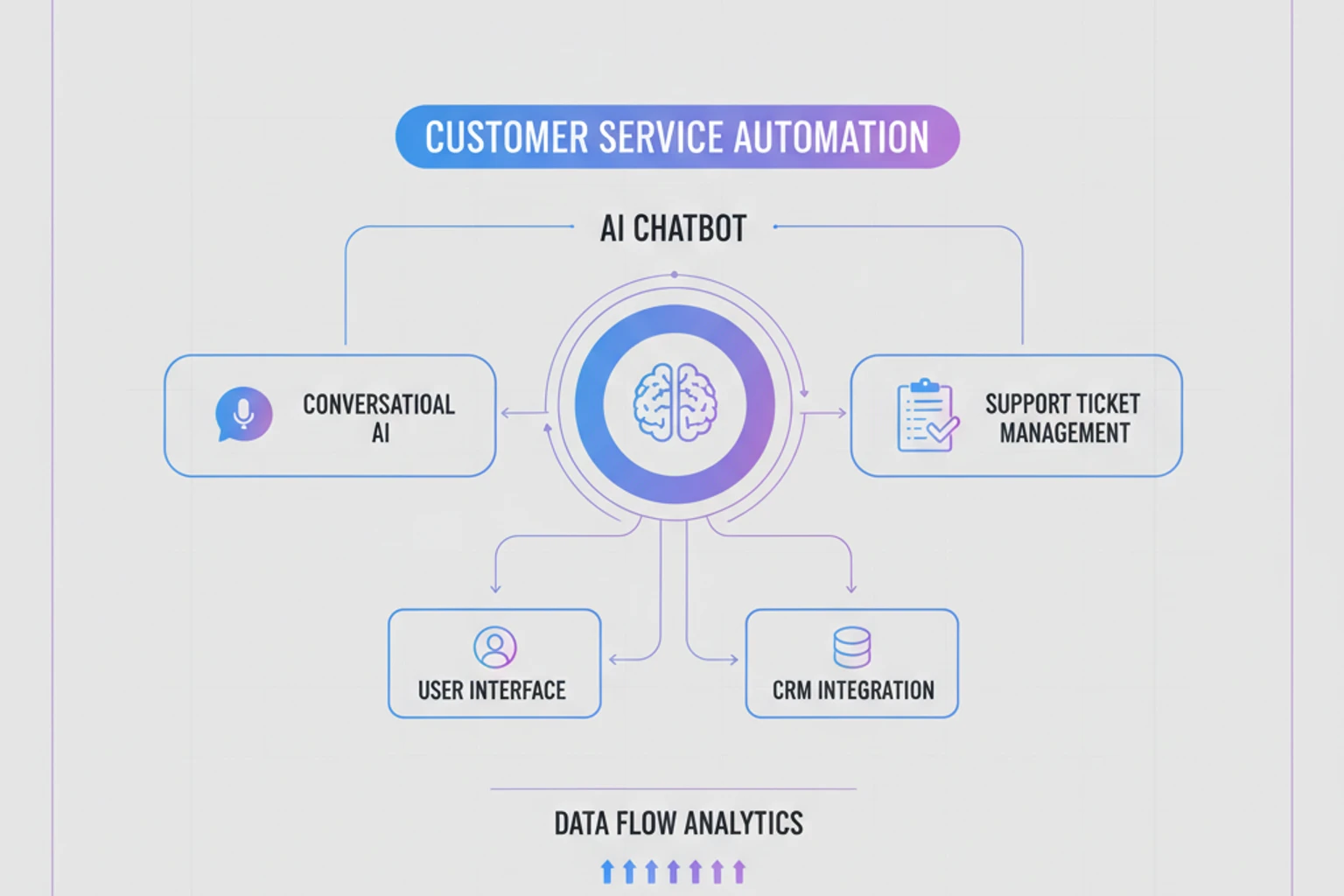
    <h4 style="margin-top: 0;"><a href="/series/claude-php-developers/chapters/28-customer-support-bot">28 — Customer Support Bot</a></h4>
    <p style="margin-bottom: 0;">Build an intelligent customer support system with knowledge base integration, ticket classification, sentiment analysis, escalation rules, and human handoff. Implement conversation routing, FAQ matching, and satisfaction tracking for world-class support automation.</p>
  </div>
</div>

<div style="display: flex; align-items: flex-start; gap: 1rem; margin-bottom: 1.5rem;">
  <img src="/images/claude-php/chapter-29-thumbnail.webp" alt="Chapter 29 thumbnail" style="width: 180px; height: auto; flex-shrink: 0; border-radius: 4px;" />
  <div>
    <h4 style="margin-top: 0;"><a href="/series/claude-php-developers/chapters/29-content-moderation">29 — Content Moderation System</a></h4>
    <p style="margin-bottom: 0;">Moderate user-generated content at scale. Detect toxic language, spam, personal information, copyright violations, and policy violations. Build a moderation queue, appeal system, and automated flagging with human review workflow.</p>
  </div>
</div>

<div style="display: flex; align-items: flex-start; gap: 1rem; margin-bottom: 1.5rem;">
  <img src="/images/claude-php/chapter-30-thumbnail.webp" alt="Chapter 30 thumbnail" style="width: 180px; height: auto; flex-shrink: 0; border-radius: 4px;" />
  <div>
    <h4 style="margin-top: 0;"><a href="/series/claude-php-developers/chapters/30-data-extraction">30 — Data Extraction and Analysis</a></h4>
    <p style="margin-bottom: 0;">Extract structured data from unstructured sources: emails, PDFs, web pages, images, and documents. Build ETL pipelines that transform messy real-world data into clean, structured database records. Implement validation and quality assurance.</p>
  </div>
</div>

### Part 7: Advanced Techniques (Chapters 31–35)

Master cutting-edge AI patterns and architectures.

<div style="display: flex; align-items: flex-start; gap: 1rem; margin-bottom: 1.5rem;">
  <img src="/images/claude-php/chapter-31-thumbnail.webp" alt="Chapter 31 thumbnail" style="width: 180px; height: auto; flex-shrink: 0; border-radius: 4px;" />
  <div>
    <h4 style="margin-top: 0;"><a href="/series/claude-php-developers/chapters/31-retrieval-augmented-generation">31 — Retrieval Augmented Generation (RAG)</a></h4>
    <p style="margin-bottom: 0;">Implement RAG to ground Claude in your data. Build semantic search, retrieve relevant context, and generate accurate responses based on your knowledge base. Learn chunking strategies, relevance ranking, and context injection for hallucination-free AI.</p>
  </div>
</div>

<div style="display: flex; align-items: flex-start; gap: 1rem; margin-bottom: 1.5rem;">
  <img src="/images/claude-php/chapter-32-thumbnail.webp" alt="Chapter 32 thumbnail" style="width: 180px; height: auto; flex-shrink: 0; border-radius: 4px;" />
  <div>
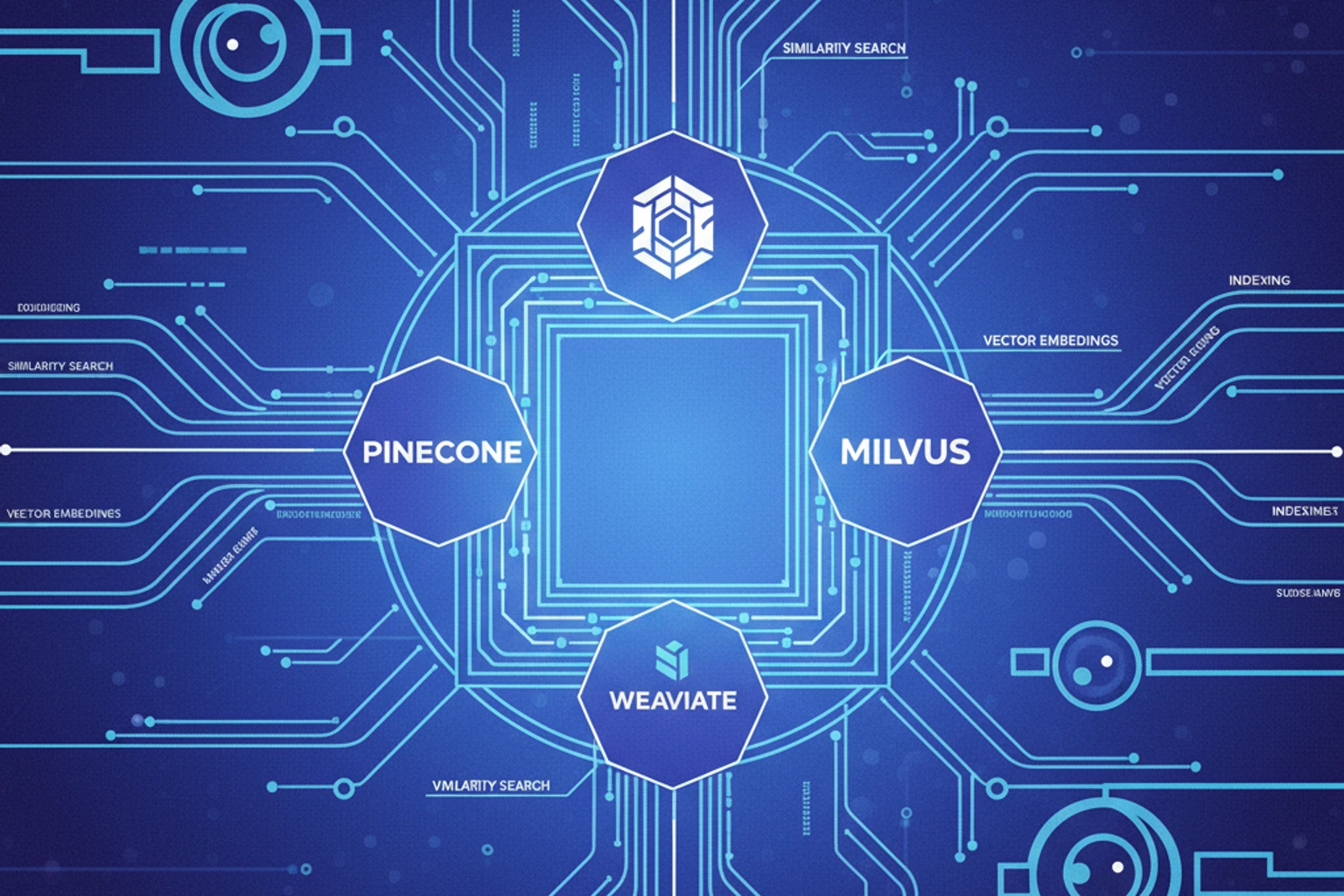
    <h4 style="margin-top: 0;"><a href="/series/claude-php-developers/chapters/32-vector-databases">32 — Vector Databases in PHP</a></h4>
    <p style="margin-bottom: 0;">Store and query embeddings with vector databases. Integrate Pinecone, Weaviate, or Milvus in PHP. Build semantic search, similarity matching, and recommendation systems. Understand embedding models, distance metrics, and indexing strategies.</p>
  </div>
</div>

<div style="display: flex; align-items: flex-start; gap: 1rem; margin-bottom: 1.5rem;">
  <img src="/images/claude-php/chapter-33-thumbnail.webp" alt="Chapter 33 thumbnail" style="width: 180px; height: auto; flex-shrink: 0; border-radius: 4px;" />
  <div>
    <h4 style="margin-top: 0;"><a href="/series/claude-php-developers/chapters/33-multi-agent-systems">33 — Multi-Agent Systems</a></h4>
    <p style="margin-bottom: 0;">Build systems where multiple specialized Claude agents collaborate. Implement agent orchestration, message passing, task delegation, and conflict resolution. Create complex workflows with research agents, writing agents, review agents working together.</p>
  </div>
</div>

<div style="display: flex; align-items: flex-start; gap: 1rem; margin-bottom: 1.5rem;">
  <img src="/images/claude-php/chapter-34-thumbnail.webp" alt="Chapter 34 thumbnail" style="width: 180px; height: auto; flex-shrink: 0; border-radius: 4px;" />
  <div>
    <h4 style="margin-top: 0;"><a href="/series/claude-php-developers/chapters/34-prompt-chaining-workflows">34 — Prompt Chaining and Workflows</a></h4>
    <p style="margin-bottom: 0;">Chain multiple Claude calls for complex workflows. Implement sequential processing, conditional branching, loops, and error recovery. Build pipelines for research, analysis, synthesis, and refinement with intermediate validation steps.</p>
  </div>
</div>

<div style="display: flex; align-items: flex-start; gap: 1rem; margin-bottom: 1.5rem;">
  <img src="/images/claude-php/chapter-35-thumbnail.webp" alt="Chapter 35 thumbnail" style="width: 180px; height: auto; flex-shrink: 0; border-radius: 4px;" />
  <div>
    <h4 style="margin-top: 0;"><a href="/series/claude-php-developers/chapters/35-fine-tuning-strategies">35 — Fine-tuning Strategies</a></h4>
    <p style="margin-bottom: 0;">Understand when and how to fine-tune Claude for domain-specific tasks. Learn dataset preparation, evaluation metrics, and deployment. Compare fine-tuning vs prompt engineering vs RAG for different use cases. Plan your fine-tuning strategy.</p>
  </div>
</div>

### Part 8: Production & Deployment (Chapters 36–39)

Deploy, scale, and maintain Claude applications in production.

<div style="display: flex; align-items: flex-start; gap: 1rem; margin-bottom: 1.5rem;">
  <img src="/images/claude-php/chapter-36-thumbnail.webp" alt="Chapter 36 thumbnail" style="width: 180px; height: auto; flex-shrink: 0; border-radius: 4px;" />
  <div>
    <h4 style="margin-top: 0;"><a href="/series/claude-php-developers/chapters/36-security-best-practices">36 — Security Best Practices</a></h4>
    <p style="margin-bottom: 0;">Secure your Claude integrations: API key management, prompt injection prevention, output validation, PII handling, access control, audit logging, and compliance. Build security-first AI applications that protect user data and prevent abuse.</p>
  </div>
</div>

<div style="display: flex; align-items: flex-start; gap: 1rem; margin-bottom: 1.5rem;">
  <img src="/images/claude-php/chapter-37-thumbnail.webp" alt="Chapter 37 thumbnail" style="width: 180px; height: auto; flex-shrink: 0; border-radius: 4px;" />
  <div>
    <h4 style="margin-top: 0;"><a href="/series/claude-php-developers/chapters/37-monitoring-observability">37 — Monitoring and Observability</a></h4>
    <p style="margin-bottom: 0;">Instrument Claude applications with logging, metrics, and tracing. Track API usage, latency, costs, error rates, and quality metrics. Build dashboards, set up alerts, and implement incident response. Use Sentry, Datadog, or custom solutions.</p>
  </div>
</div>

<div style="display: flex; align-items: flex-start; gap: 1rem; margin-bottom: 1.5rem;">
  <img src="/images/claude-php/chapter-38-thumbnail.webp" alt="Chapter 38 thumbnail" style="width: 180px; height: auto; flex-shrink: 0; border-radius: 4px;" />
  <div>
    <h4 style="margin-top: 0;"><a href="/series/claude-php-developers/chapters/38-scaling-applications">38 — Scaling Claude Applications</a></h4>
    <p style="margin-bottom: 0;">Scale from hundreds to millions of requests. Implement horizontal scaling, load balancing, request queuing, circuit breakers, and graceful degradation. Optimize for cost at scale while maintaining quality. Handle traffic spikes and plan capacity.</p>
  </div>
</div>

<div style="display: flex; align-items: flex-start; gap: 1rem; margin-bottom: 1.5rem;">
  <img src="/images/claude-php/chapter-39-thumbnail.webp" alt="Chapter 39 thumbnail" style="width: 180px; height: auto; flex-shrink: 0; border-radius: 4px;" />
  <div>
    <h4 style="margin-top: 0;"><a href="/series/claude-php-developers/chapters/39-cost-optimization">39 — Cost Optimization and Billing</a></h4>
    <p style="margin-bottom: 0;">Master cost optimization: model selection, prompt compression, caching strategies, batch processing, and usage monitoring. Build budget alerts, implement quotas per user, and optimize for the best cost-quality trade-off. Make AI affordable at scale.</p>
  </div>
</div>

---

## Appendices

Quick reference materials to support your learning journey.

- **[Appendix A: API Reference Quick Guide](/series/claude-php-developers/appendices/a-api-reference/)** — Complete API reference with request/response examples
- **[Appendix B: Common Prompting Patterns](/series/claude-php-developers/appendices/b-prompting-patterns/)** — Proven prompt templates for common use cases
- **[Appendix C: Error Codes and Troubleshooting](/series/claude-php-developers/appendices/c-error-codes/)** — Complete error code reference and debugging guide
- **[Appendix D: Resources and Further Reading](/series/claude-php-developers/appendices/d-resources/)** — Curated resources, tools, and communities

---

## Frequently Asked Questions

**Do I need AI/ML experience to take this course?**
No! This course assumes expert PHP knowledge but no AI background. We'll teach you everything you need to know about working with Claude specifically.

**Which PHP framework should I use?**
We include comprehensive Laravel-specific chapters (21-25), and all examples are easily adaptable to Symfony, Slim, or standalone PHP. Most core concepts apply across all frameworks. Choose based on your project needs—all approaches are covered.

**How much does Claude API cost?**
Pricing varies by model: Haiku 4.5 (~$0.25/million tokens), Sonnet 4.5 (~$3/million tokens), Opus 4.1 (~$15/million tokens). We'll teach cost optimization throughout the series, including prompt caching, batch processing (50% savings), and intelligent model selection.

**Can I use Claude for commercial projects?**
Yes! Anthropic's commercial terms allow production use. Review the [terms of service](https://www.anthropic.com/legal/terms) and follow security best practices in Chapter 36. All code examples in this series are production-ready.

**What's the difference between models?**
- **Haiku 4.5**: Fastest, most affordable (~$0.25/million tokens), great for simple tasks, 200K context
- **Sonnet 4.5**: Balanced performance and cost (~$3/million tokens), most versatile, 200K context (1M Beta)
- **Opus 4.1**: Most capable (~$15/million tokens), best for complex reasoning, 200K context

**How do I get an API key?**
Sign up at [console.anthropic.com](https://console.anthropic.com), add billing information, and generate an API key. We cover this step-by-step in Chapter 02, including security best practices for key management.

**Is Claude better than ChatGPT for PHP apps?**
Both are excellent. Claude excels at: longer context (200K tokens standard, 1M Beta), following instructions precisely, code generation, safety, tool use, and advanced features like Agent Skills and Memory. Choose based on your specific needs—Claude is particularly strong for complex reasoning and multi-step workflows.

**What about rate limits?**
Rate limits depend on your tier and model. We cover rate limiting, queuing, retry logic with exponential backoff, and scaling strategies in Chapters 10 and 38. For high-volume applications, batch processing (Chapter 39) offers 50% cost savings.

**Can I fine-tune Claude?**
Claude fine-tuning is available for enterprise customers. For most use cases, prompt engineering, RAG (Chapter 31), and Agent Skills (Beta) are more practical and cost-effective. See Chapter 35 for fine-tuning strategies and when it makes sense.

**How do I test AI features?**
We cover comprehensive testing strategies throughout the series: mocking API responses for CI/CD, unit testing Claude integrations, integration testing with real API calls, testing tool use functions, quality assurance for AI outputs, and evaluating output consistency. See Chapter 17 for service layer patterns that enable easy testing.

## Getting Help

**Stuck on something?** Here's where to get help:

- **Anthropic Documentation**: [docs.claude.com](https://docs.claude.com) — Official API reference
- **Anthropic Discord**: [discord.gg/anthropic](https://discord.gg/anthropic) — Community support
- **GitHub Discussions**: [Ask questions and share progress](https://github.com/dalehurley/codewithphp/discussions) — Get help from the community
- **Report issues**: [Open an issue](https://github.com/dalehurley/codewithphp/issues) — Report bugs or suggest improvements
- **Check appendices** for quick reference on API, errors, and patterns

## Related Resources

Want to dive deeper? These resources complement the series:

### Official Resources

- **[Anthropic Documentation](https://docs.claude.com)**: Official API documentation
- **[Anthropic Cookbook](https://github.com/anthropics/anthropic-cookbook)**: Code examples and patterns
- **[Claude Console](https://console.anthropic.com)**: Test prompts and manage API keys
- **[Anthropic Blog](https://www.anthropic.com/news)**: Latest updates and research

### PHP Resources

- **[Official Anthropic PHP SDK](https://github.com/anthropics/anthropic-sdk-php)**: Official PHP implementation by Anthropic
- **[Claude-PHP-SDK](https://github.com/claude-php/Claude-PHP-SDK)**: Community resources and additional examples
- **[PHP SDK on Packagist](https://packagist.org/packages/claude-php/claude-php-sdk)**: Install via Composer
- **[Laravel](https://laravel.com)**: Modern PHP framework
- **[Symfony](https://symfony.com)**: Enterprise PHP framework

### Related Code with PHP Series

- **[PHP Basics](/series/php-basics/)** — Master PHP fundamentals and modern PHP 8.6+ features
- **[PHP Algorithms](/series/php-algorithms/)** — Algorithm and data structure foundations
- **[AI/ML for PHP Developers](/series/ai-ml-php-developers/)** — Broader AI/ML concepts and machine learning with PHP
- **[Build a CRM with Laravel 12](/series/build-crm-laravel-12/)** — Apply Claude and AI to real production applications

---

::: tip Ready to Start?
Head to [Chapter 00: Quick Start Guide](/series/claude-php-developers/chapters/00-quick-start-guide) for immediate results, or begin comprehensive learning with [Chapter 01: Introduction to Claude API](/series/claude-php-developers/chapters/01-introduction-to-claude-api)!
:::

---

## Continue Your Learning

Master other aspects of modern PHP development:

**→ [PHP Basics](/series/php-basics/)** — Master PHP fundamentals from scratch
**→ [PHP Algorithms](/series/php-algorithms/)** — Algorithm and data structure mastery
**→ [Build a CRM with Laravel 12](/series/build-crm-laravel-12/)** — Build production Laravel applications

<style>
:root {
  --primary-claude: #7c3aed;
  --primary-claude-dark: #6d28d9;
  --claude-purple: #a78bfa;
  --claude-indigo: #818cf8;
  --php-blue: #4f46e5;
  --accent-amber: #f59e0b;
  --neutral-gray: #64748b;
  --bg-light: #f8fafc;
}

/* Chapter card enhancements */
div[style*="display: flex"][style*="align-items: flex-start"] {
  transition: all 0.3s ease;
  padding: 1rem;
  border-radius: 8px;
  border-left: 4px solid var(--primary-claude);
}

div[style*="display: flex"][style*="align-items: flex-start"]:hover {
  background: var(--bg-light);
  transform: translateX(4px);
  box-shadow: 0 2px 12px rgba(124, 58, 237, 0.15);
  border-left-color: var(--primary-claude-dark);
}

/* Image styling */
div[style*="display: flex"] img[style*="width: 180px"] {
  box-shadow: 0 2px 8px rgba(0, 0, 0, 0.1);
  transition: all 0.3s ease;
}

div[style*="display: flex"]:hover img[style*="width: 180px"] {
  box-shadow: 0 4px 12px rgba(124, 58, 237, 0.2);
}

/* Link styling */
div[style*="display: flex"] h4 a {
  color: var(--primary-claude);
  transition: color 0.2s ease;
}

div[style*="display: flex"] h4 a:hover {
  color: var(--primary-claude-dark);
}
</style>