31: Automated Browser Testing with Laravel Dusk
Chapter 31: Automated Browser Testing with Laravel Dusk
Section titled “Chapter 31: Automated Browser Testing with Laravel Dusk”Overview
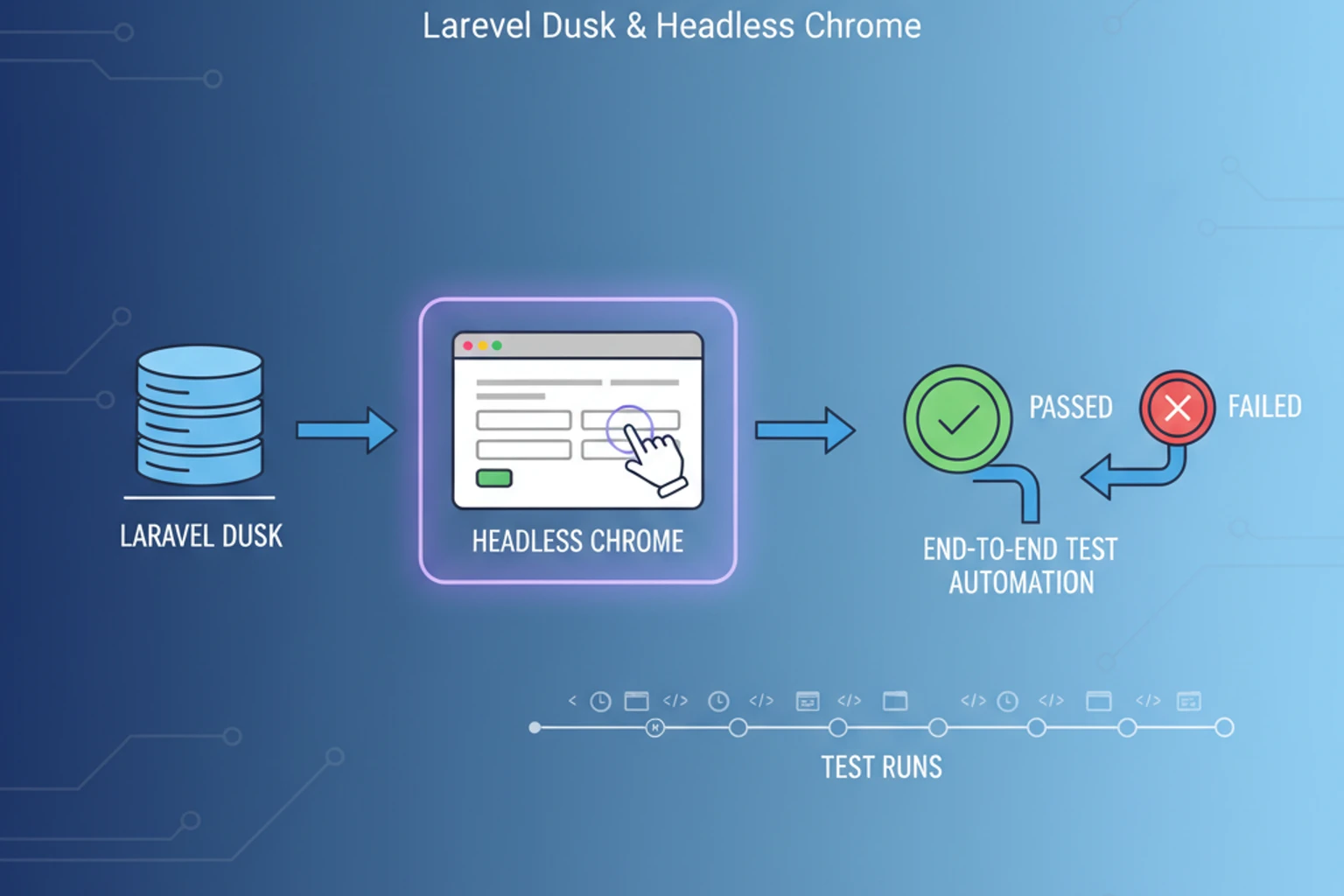
Section titled “Overview”Writing end-to-end tests for the CRM using Laravel Dusk. Discuss why automated UI testing is valuable for a large application (to catch regressions in login, CRUD operations, etc.). Introduce Dusk’s browser automation capabilities – using ChromeDriver to simulate a real user clicking and typing.
By completing this chapter, you will have a clear understanding of the key concepts and be ready to implement the features in subsequent chapters.
This chapter focuses on planning and implementation guidance. You’ll understand the architectural decisions and learn best practices for building this feature into your CRM.
Prerequisites
Section titled “Prerequisites”Before starting this chapter, you should have:
- Completed Chapter 30
- Understanding of Laravel controllers and models
- Familiarity with database migrations and Eloquent ORM
Estimated Time: ~60 minutes
What You’ll Build
Section titled “What You’ll Build”By the end of this chapter, you will have:
- Understanding of automated browser testing with laravel dusk
- Implementation guidance for your CRM
- Best practices and common patterns
- Ready-to-use code examples
Objectives
Section titled “Objectives”- Understand the core concepts of this feature
- Learn implementation patterns used in production applications
- Apply these patterns to your CRM
- Understand integration points with existing modules
Step 1: Understanding the Concept (~10 min)
Section titled “Step 1: Understanding the Concept (~10 min)”Understand the fundamental concepts and why this feature matters for your CRM.
Why This Matters
Section titled “Why This Matters”[Explanation of the feature and its importance in a CRM context]
Expected Result
Section titled “Expected Result”You should understand how this feature integrates with your existing CRM modules.
Why It Works
Section titled “Why It Works”[Technical explanation of the concepts]
Troubleshooting
Section titled “Troubleshooting”- Issue: If you’re unclear about the concept → Review the prerequisite chapter
- Issue: Need more context → Consult Laravel documentation on related topics
Step 2: Planning Your Implementation (~15 min)
Section titled “Step 2: Planning Your Implementation (~15 min)”Plan your approach to implementing this feature.
Actions
Section titled “Actions”- Review the implementation guidance
- Consider how this integrates with existing models
- Plan your database changes if needed
Expected Result
Section titled “Expected Result”You have a clear plan for implementation.
Why It Works
Section titled “Why It Works”Planning prevents mistakes and ensures clean code architecture.
Step 3: Implementation (~25 min)
Section titled “Step 3: Implementation (~25 min)”Implement the feature following Laravel best practices.
Actions
Section titled “Actions”[Implementation steps with code examples]
Expected Result
Section titled “Expected Result”The feature is implemented and working.
Why It Works
Section titled “Why It Works”[Explanation of the approach]
Troubleshooting
Section titled “Troubleshooting”- Common Issue: [Error message] → [Solution]
- Common Issue: [Error message] → [Solution]
Exercises
Section titled “Exercises”Exercise 1: Basic Implementation
Section titled “Exercise 1: Basic Implementation”Goal: Implement the basic version of this feature
Create or modify files as needed to implement the core functionality.
Validation: Test the implementation works as expected.
Exercise 2: Enhancement
Section titled “Exercise 2: Enhancement”Goal: Add an enhancement to the basic implementation
Consider how you might extend this feature.
Validation: Your enhancement works and integrates cleanly.
Wrap-up
Section titled “Wrap-up”Congratulations! You’ve completed this chapter on automated browser testing with laravel dusk.
What You’ve Accomplished:
✅ Understood the core concepts ✅ Planned your implementation ✅ Implemented the feature ✅ Enhanced the basic functionality
Key Takeaways:
- [Key point 1]
- [Key point 2]
- [Key point 3]
What’s Next:
In the next chapter, we’ll continue building the CRM with additional features that build on this foundation.
Further Reading
Section titled “Further Reading”- Laravel Documentation — Official Laravel documentation
- Related PSR Standards — PHP Standards Recommendations
- Community Resources — Additional learning resources